Item catalog
Every item in Zoen with its in-game popup: hover (or tap) any cell. Popups use the accepted header art per type and rarity, a glass body and bronze corners. Hold Alt over an item to reveal prefix/suffix and affix tiers.
Inventory
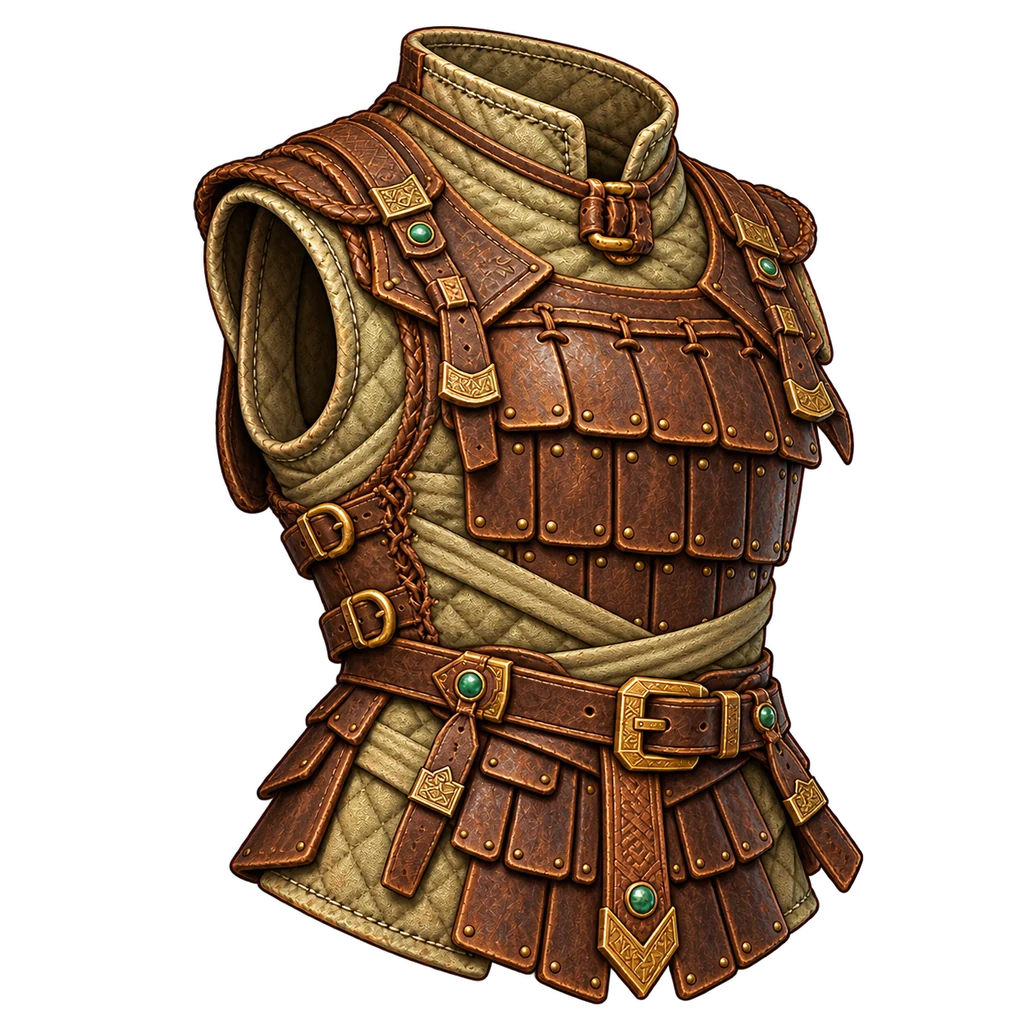
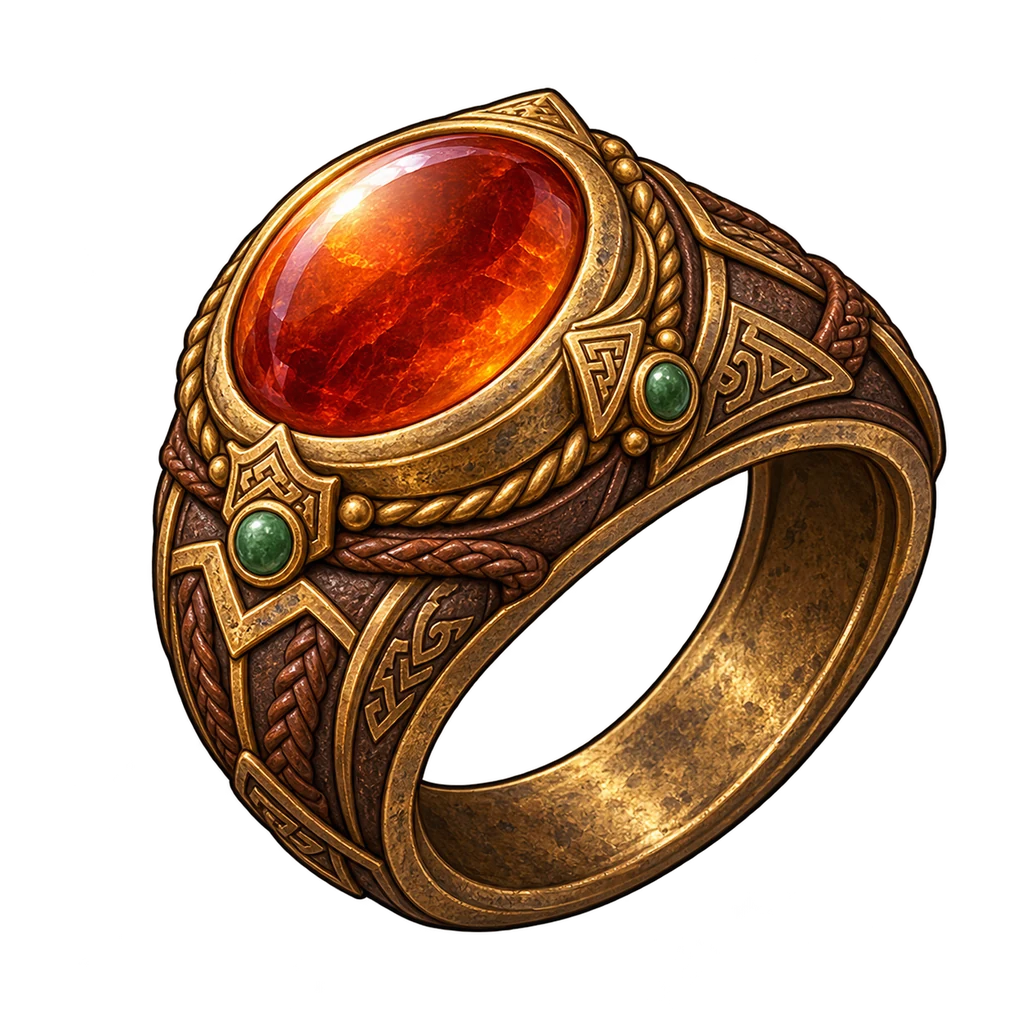
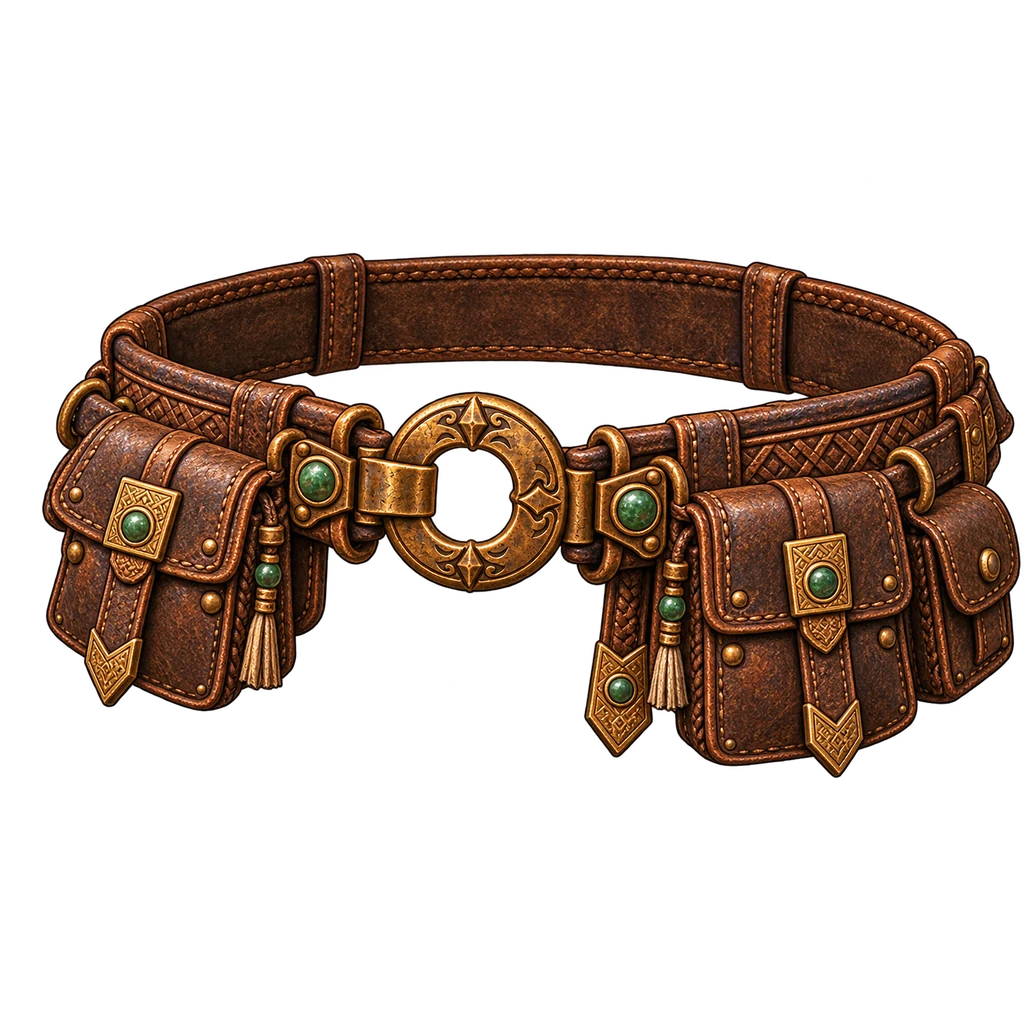
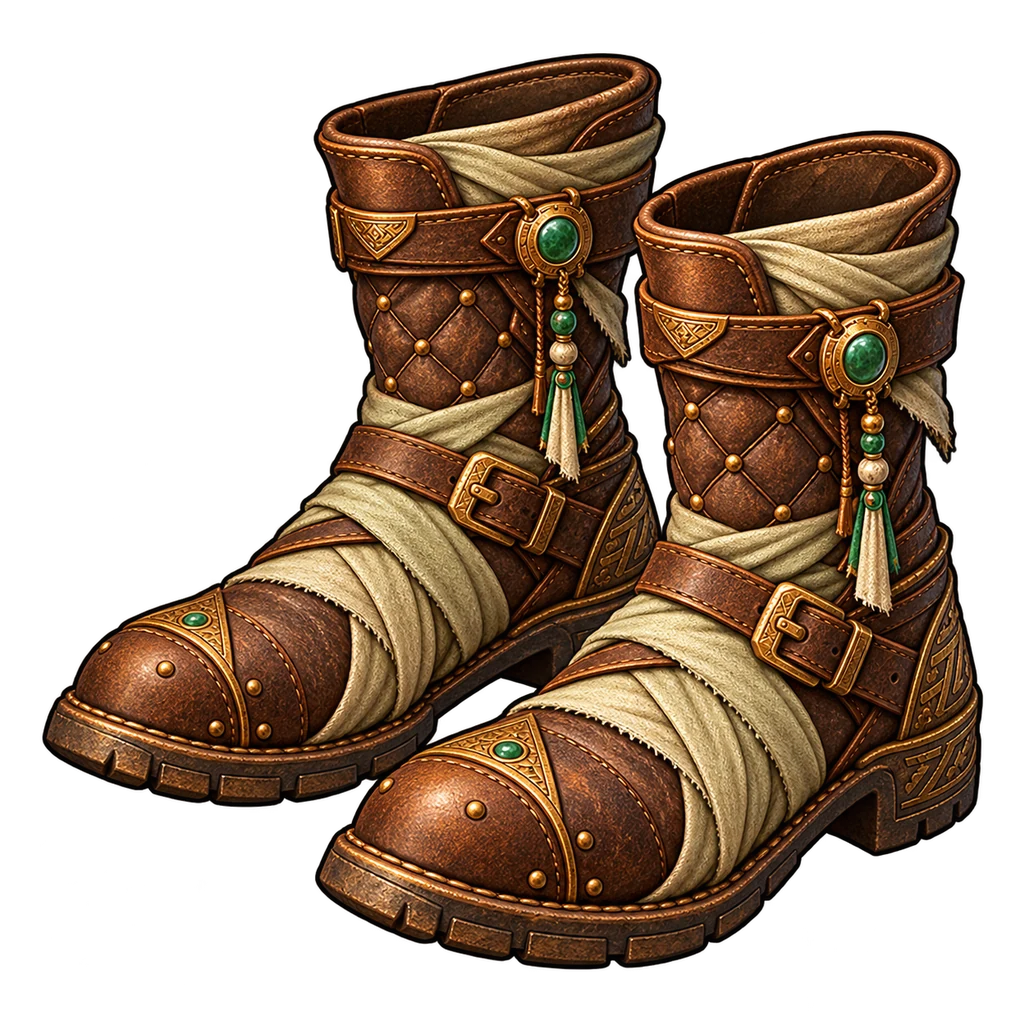
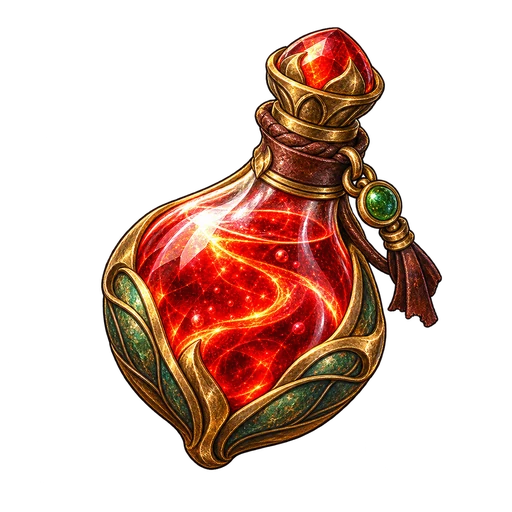 200
200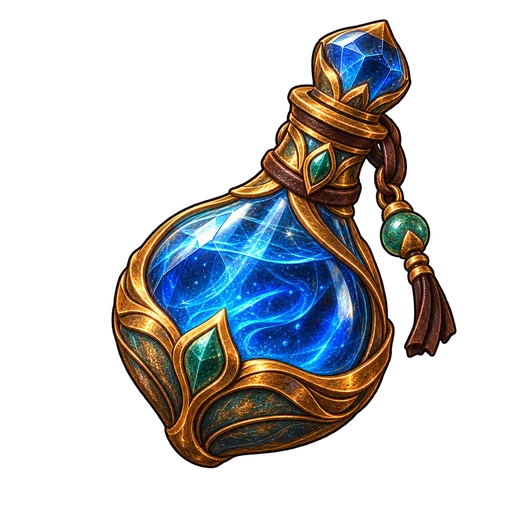 200
200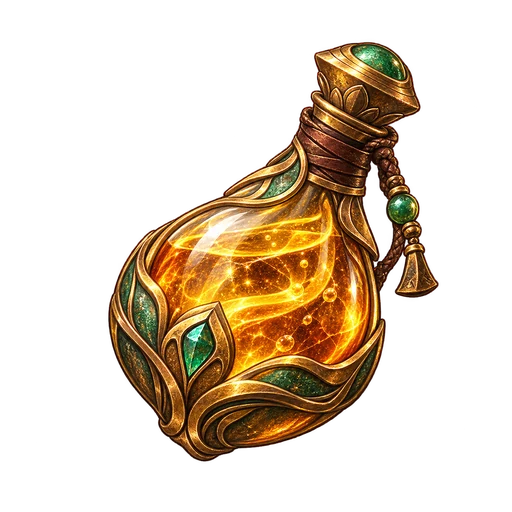 40
40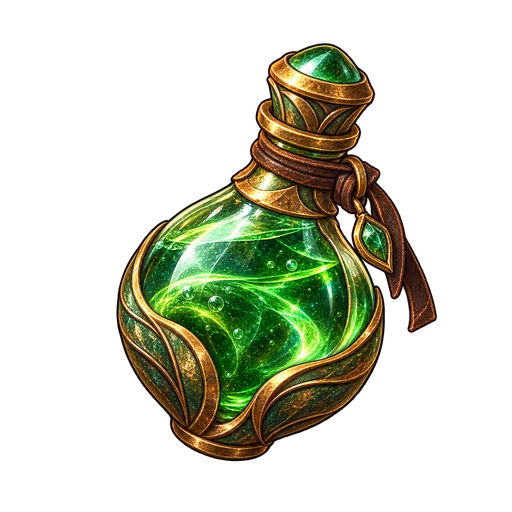 37
37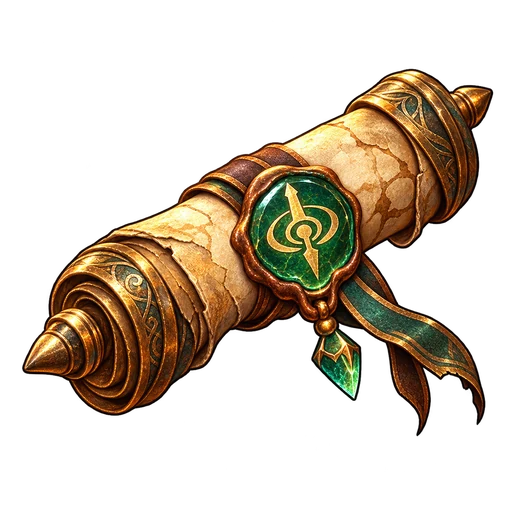 64
64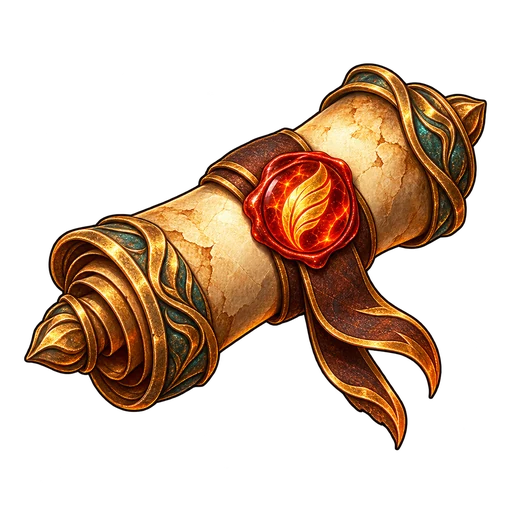 5
5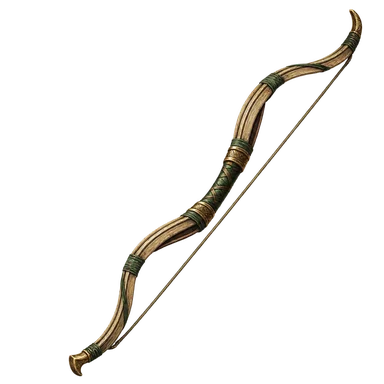
 999
999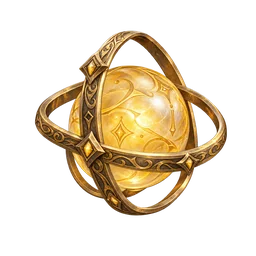 999
999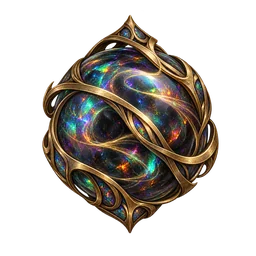 3720020064
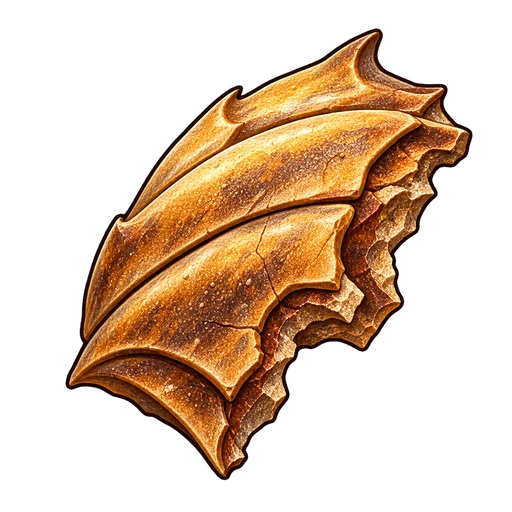 41
41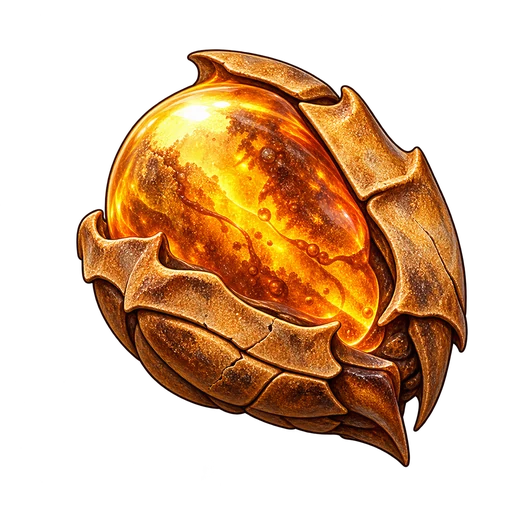 12
12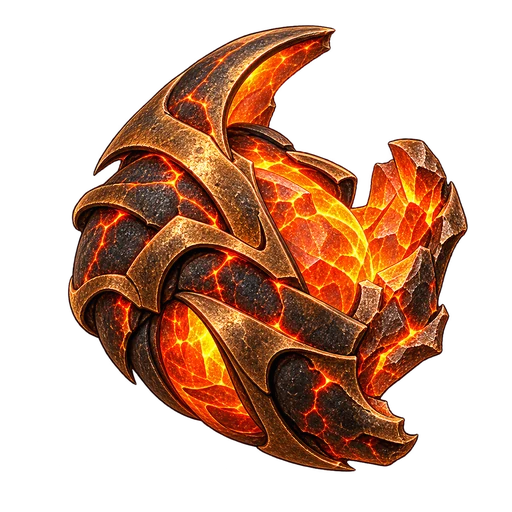 88
88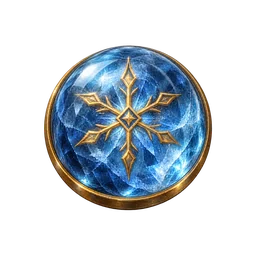
 37
37 12
12 1,284,560Gold
 320Zoe
 Boran·STR 124·AGI 48·INT 42
Window spec (engine)
- Anchor
- docked right, 24 px from the top, opened with I
- Size at 1080p
- 620 × 912 px (header 112, padding 22)
- Cell
- 48 px; cell = round(48 × uiScale × screenHeight / 1080); phones (touch) clamp cell ≥ 44 and open the window full screen with the bag beside the equipment.
- Equipment
- 12×7 cells: weapons and armour 2×3, helmet/gloves/boots 2×2, belt 2×1, rings/necklace/earring 1×1
- Bag
- 12×5 cells (items keep their footprint)
- Quick slots
- 8 (keys 1 2 3 4 5 6 7 8)
- An item fits a slot only if its type matches (any weapon → main hand; shields → off hand; rings → either ring slot).
- Its stat requirements must be met by the character (shown red in the popup when not).
- A two-handed weapon in the main hand blocks the off hand; equipping one sends the off-hand item to the bag.
- Dropping on a bag area that overlaps exactly one item swaps them; more than one overlap is refused.
- Invalid targets turn the slot background red (slot_invalid), valid ones jade (slot_valid).
- Quick slots 1–8 accept potions and scrolls only (drag in from the bag, drag between slots to swap, drag out to the bag); anything else turns the slot red and is refused.
- Sockets: hovering an equipped weapon or belt shows its sockets over the art. Clicking a socketed gem picks it up and holds it on the cursor (it leaves the socket only when placed; Esc puts it back); dragging a gem onto the item or a socket inserts it (weapon: socket 1 primary, 2–3 weapon supports; belt: socket 1 movement, 2–3 belt supports); a gem already there swaps to the bag.
- Item art is scaled by its painted content, not its square canvas: long weapons stand upright and reach the top and bottom of their 2×3 slot; belts fill 2×1 (apps/wiki/lib/icon-fit.json from tools/build-icon-fit.py).
- Every equipped weapon or belt holds exactly one main gem (socket 1) and up to two supports; a second main gem is refused until the first is taken out. A gem can be dragged out of a socket and into another; a plain click picks it up and holds it.
Contract: packages/game-data/data/ui-windows.json
Rarity = affix count
Try it: drag the bow onto Main hand (valid), the storm staff onto Main hand (red: Boran lacks INT), a ring onto Helmet (red: wrong slot). Click an item to pick it up, click to place, Esc to put it back; right-click equips.
Twelve example items cover every affix count from 0 to 6 and every slot group.
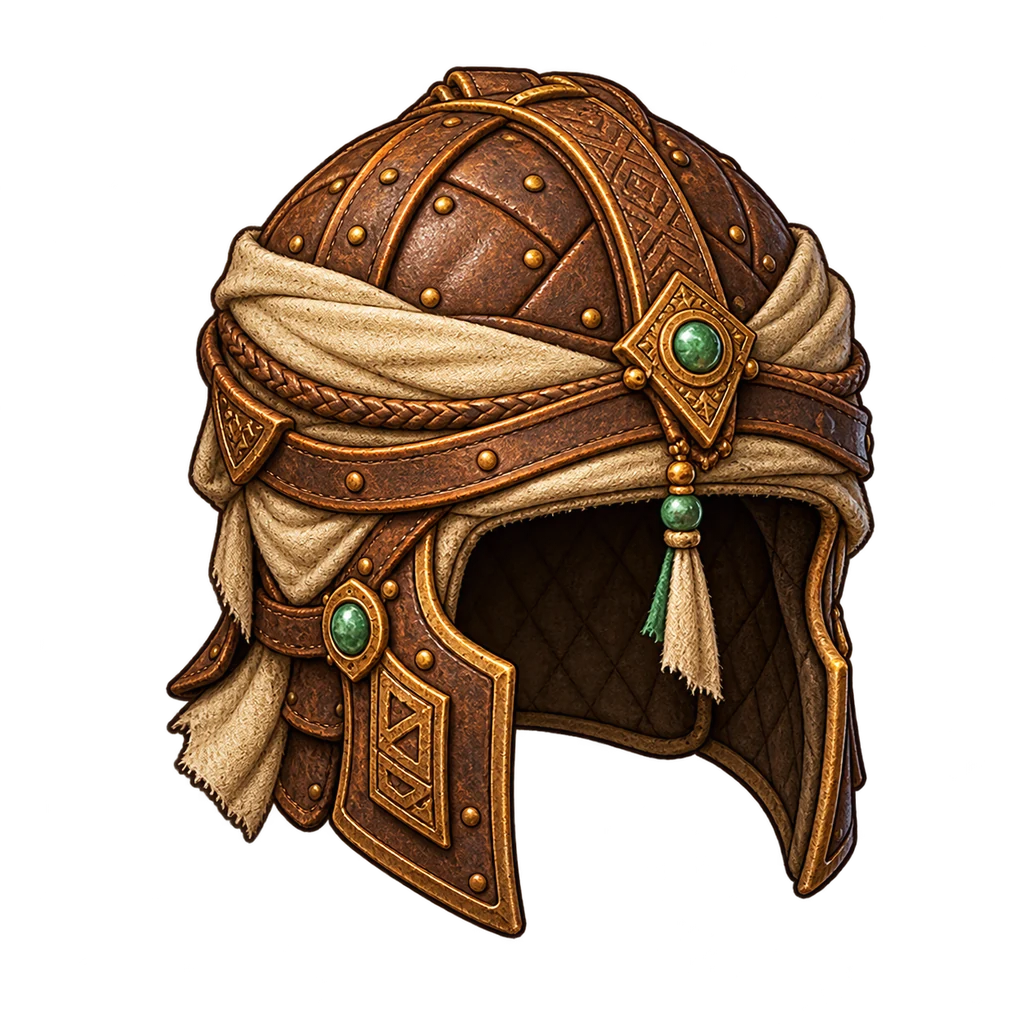
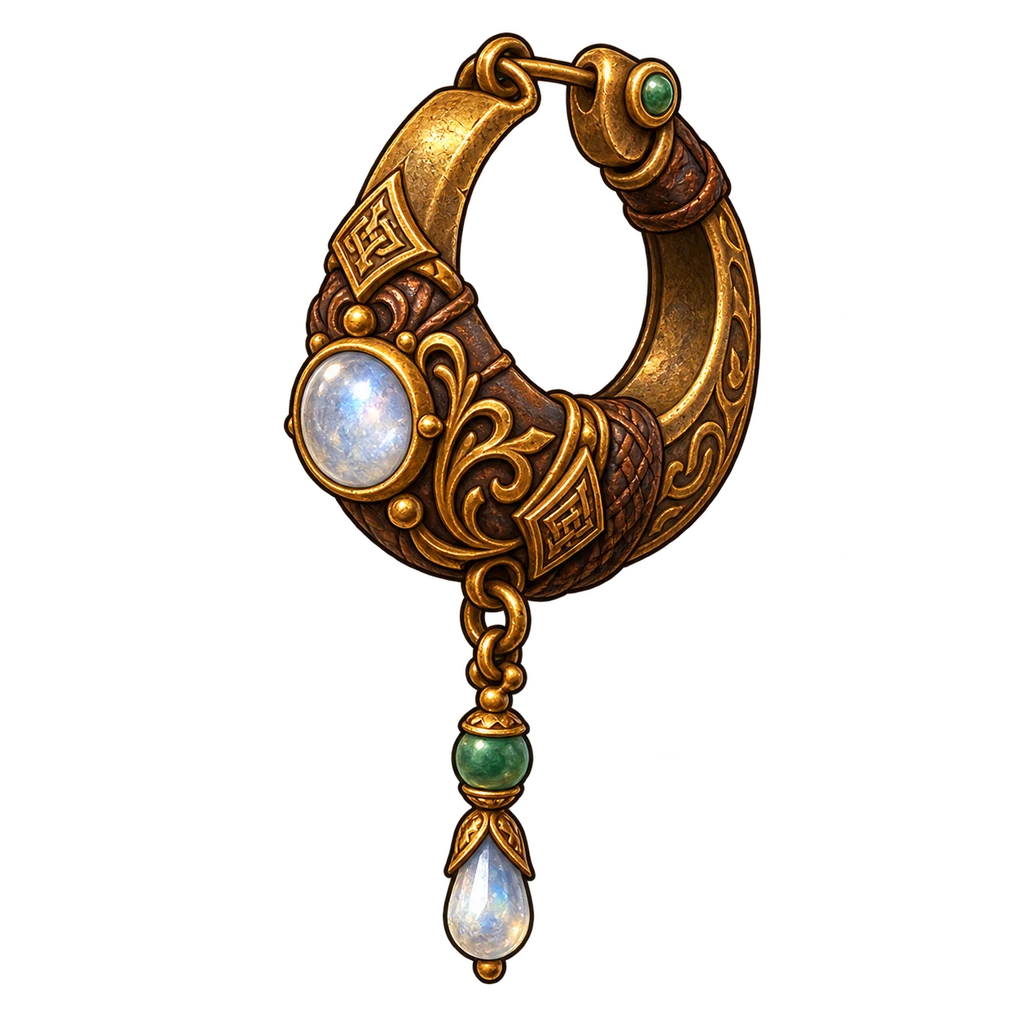
Kiln-fired Reedstring Bow of the GaleThunder ScriptDusk HungerHale Scout HoodEmber MantleSaltwind StrideCopper PromiseOasis EyeLantern VowBrass Hoop of the Sageilvl 5
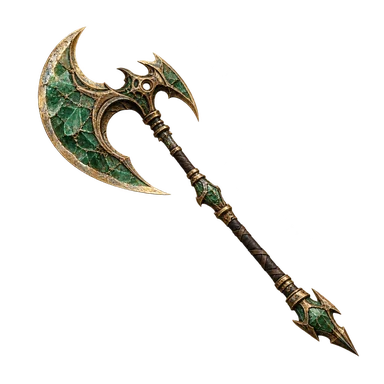
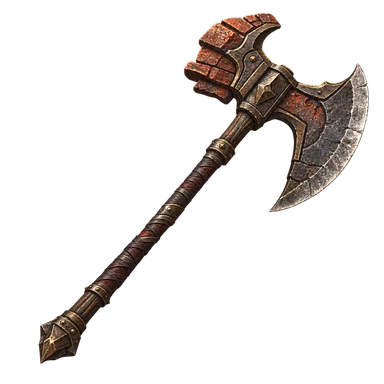
Kilnspine Great Axeilvl 19
Jadefall Great Axeilvl 37
ilvl 7
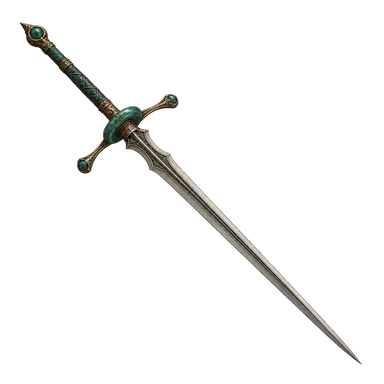 Vesper Longsword
ilvl 27
ilvl 33
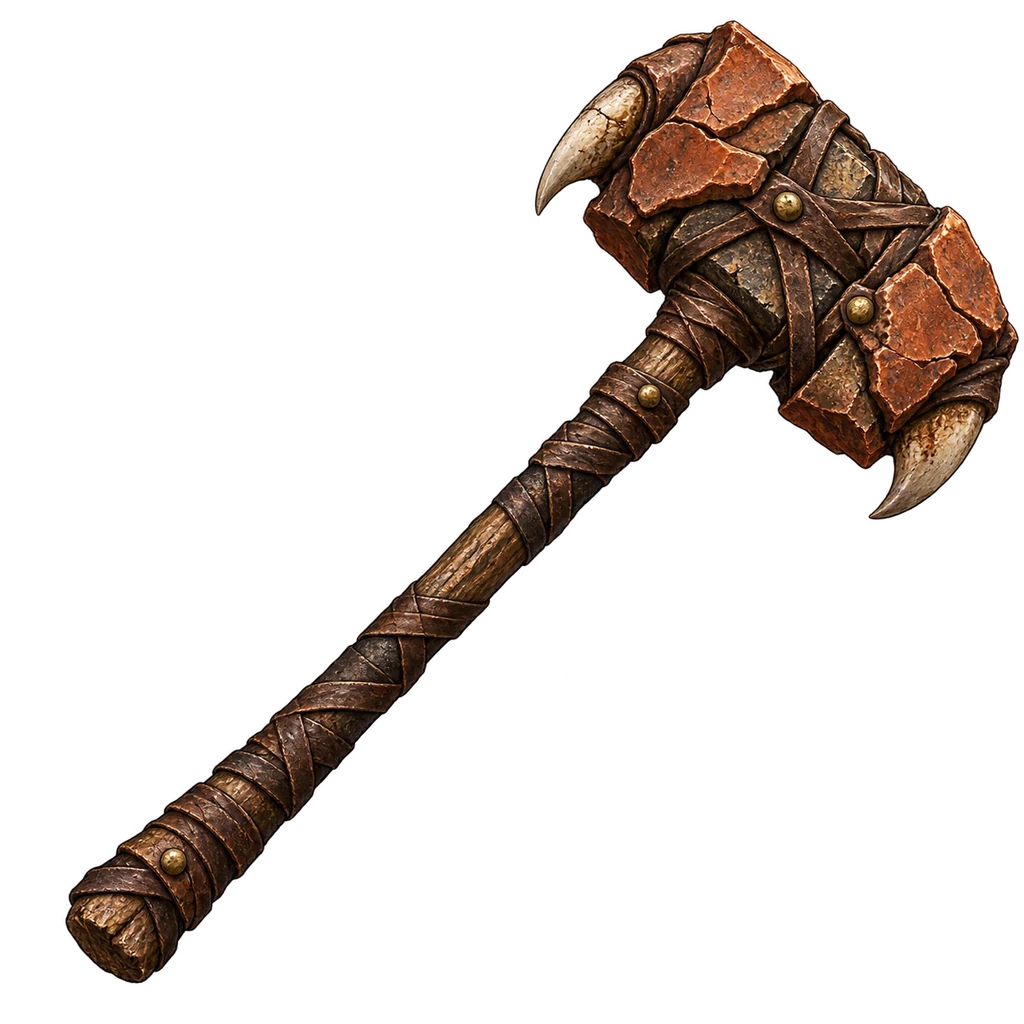 Clayknuckle Maul
ilvl 13
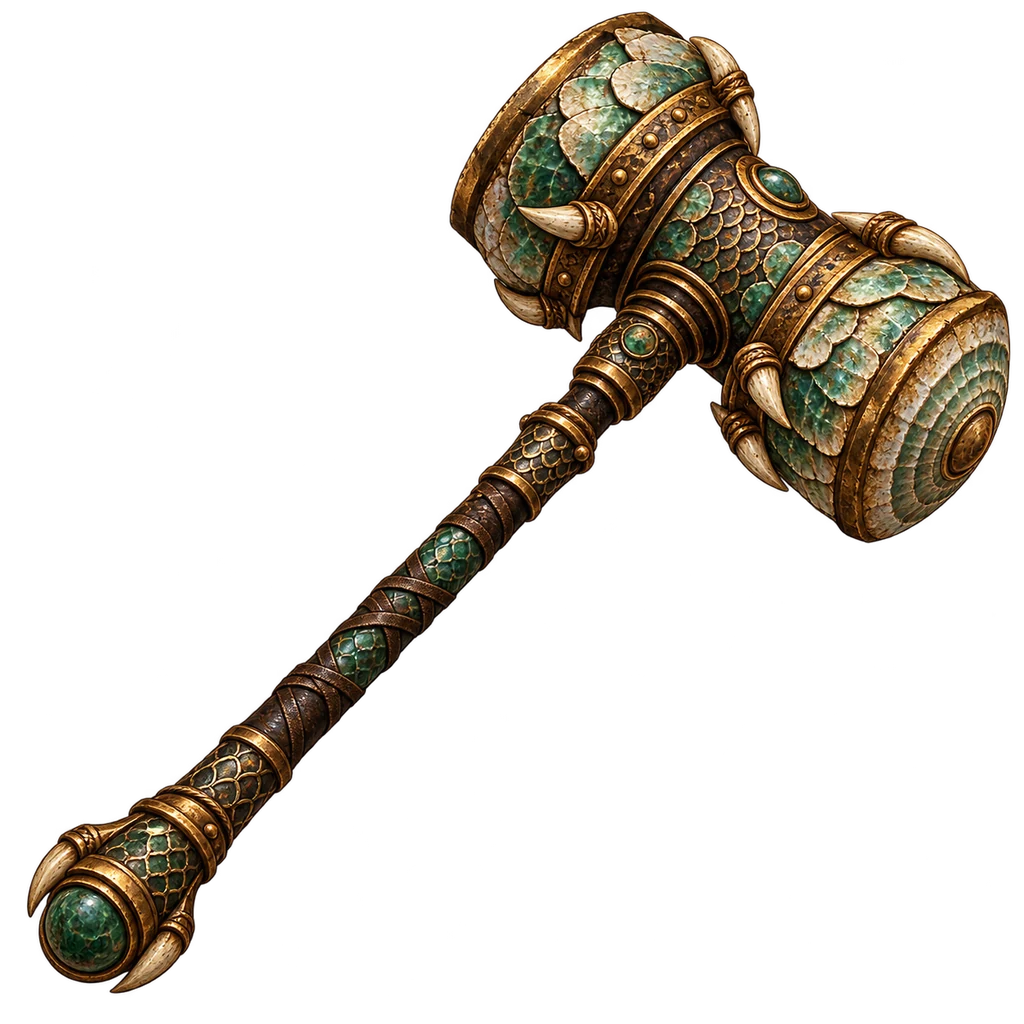 Brineshell Maul
ilvl 23
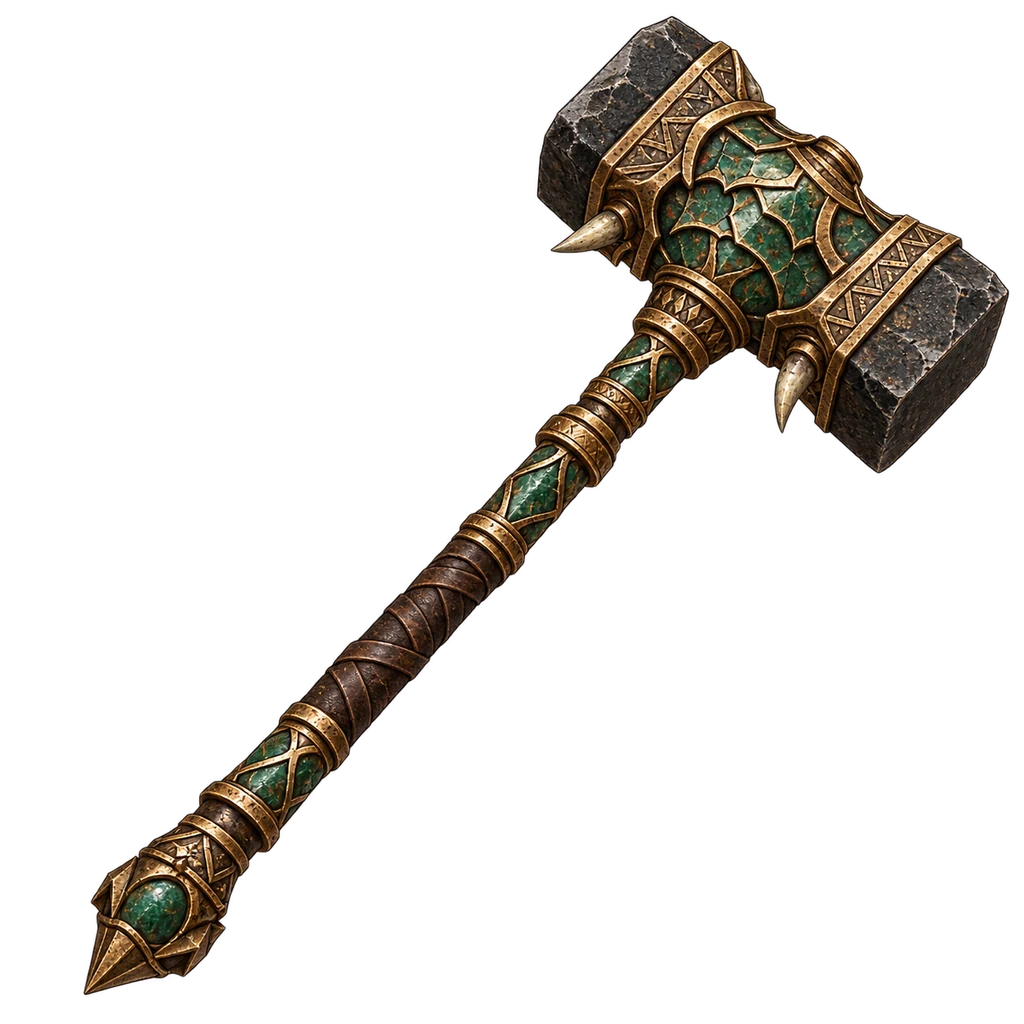 Basalt Gavel
ilvl 39
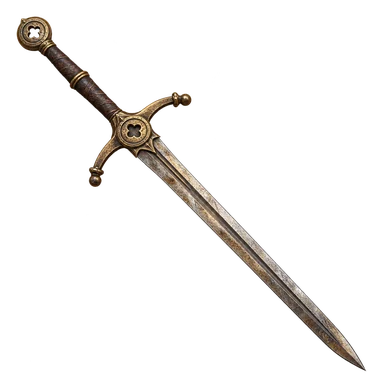 Tollkeeper Sword
ilvl 7
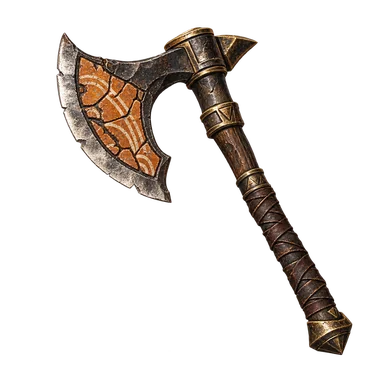 Claybite Axe
ilvl 13
ilvl 21
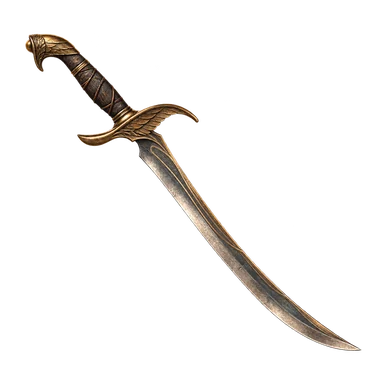 Ashroad Sword
ilvl 33
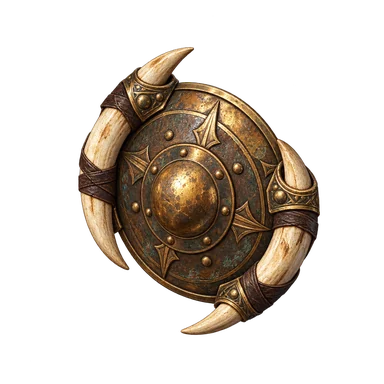 Tuskguard Buckler
ilvl 5
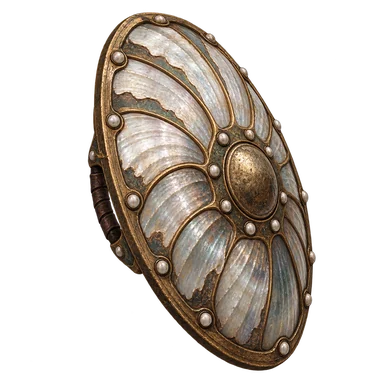
Brineshell Shieldilvl 23
ilvl 37
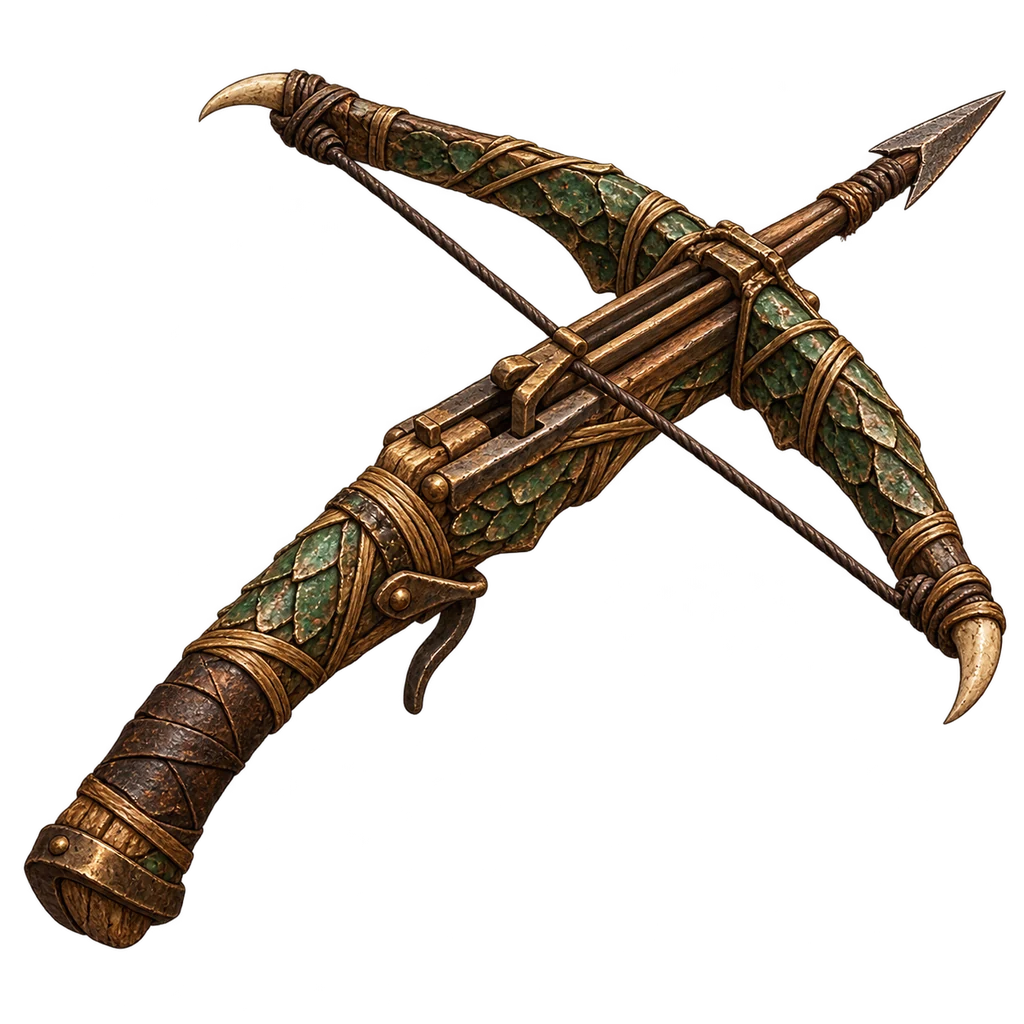 Reedlatch Crossbow
ilvl 9
ilvl 15
ilvl 31
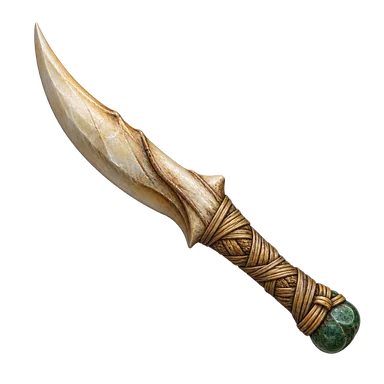 Dewhorn Knife
ilvl 1
ilvl 27
ilvl 33
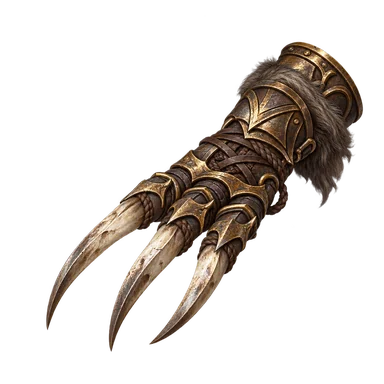 Marshfang Claws
ilvl 11
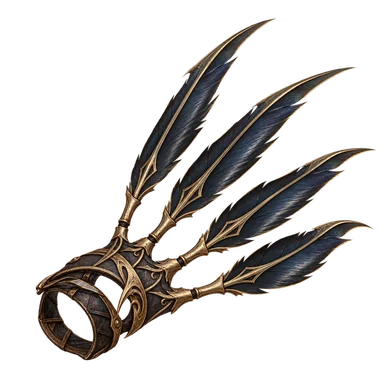 Stormquill Claws
ilvl 29
ilvl 31
Reedstring Bowilvl 9
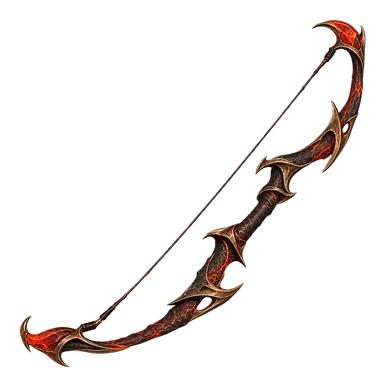 Cinderbend Bow
ilvl 17
ilvl 29
ilvl 35
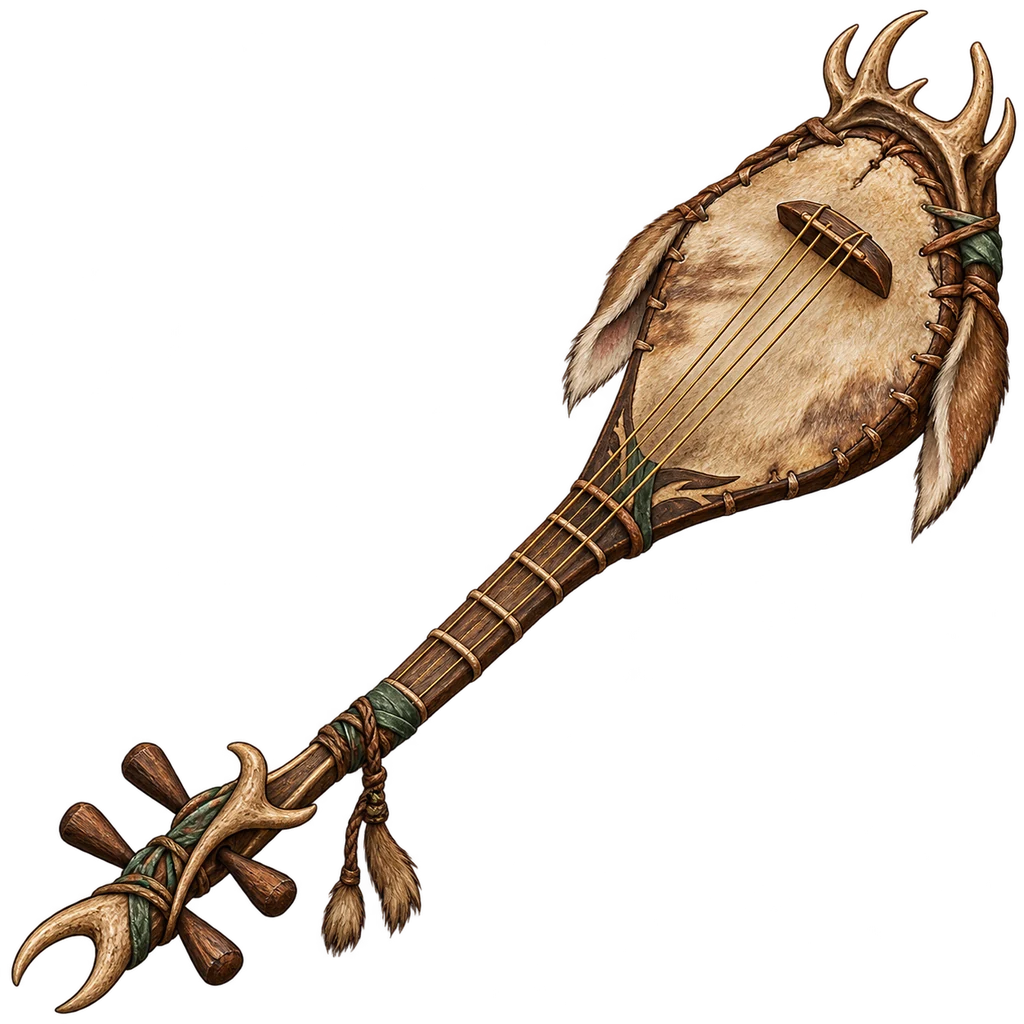 Dewhorn Pipa
ilvl 1
ilvl 19
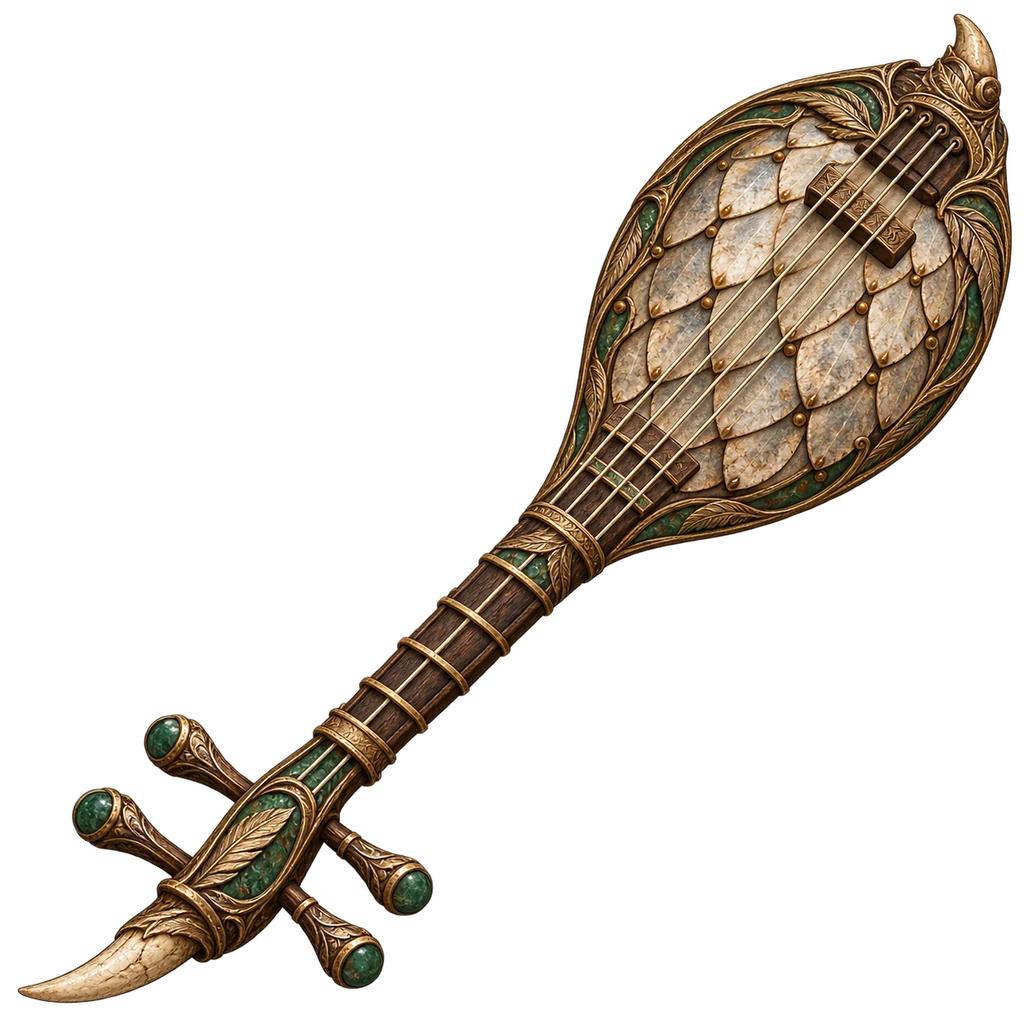 Ashroot Pipa
ilvl 35
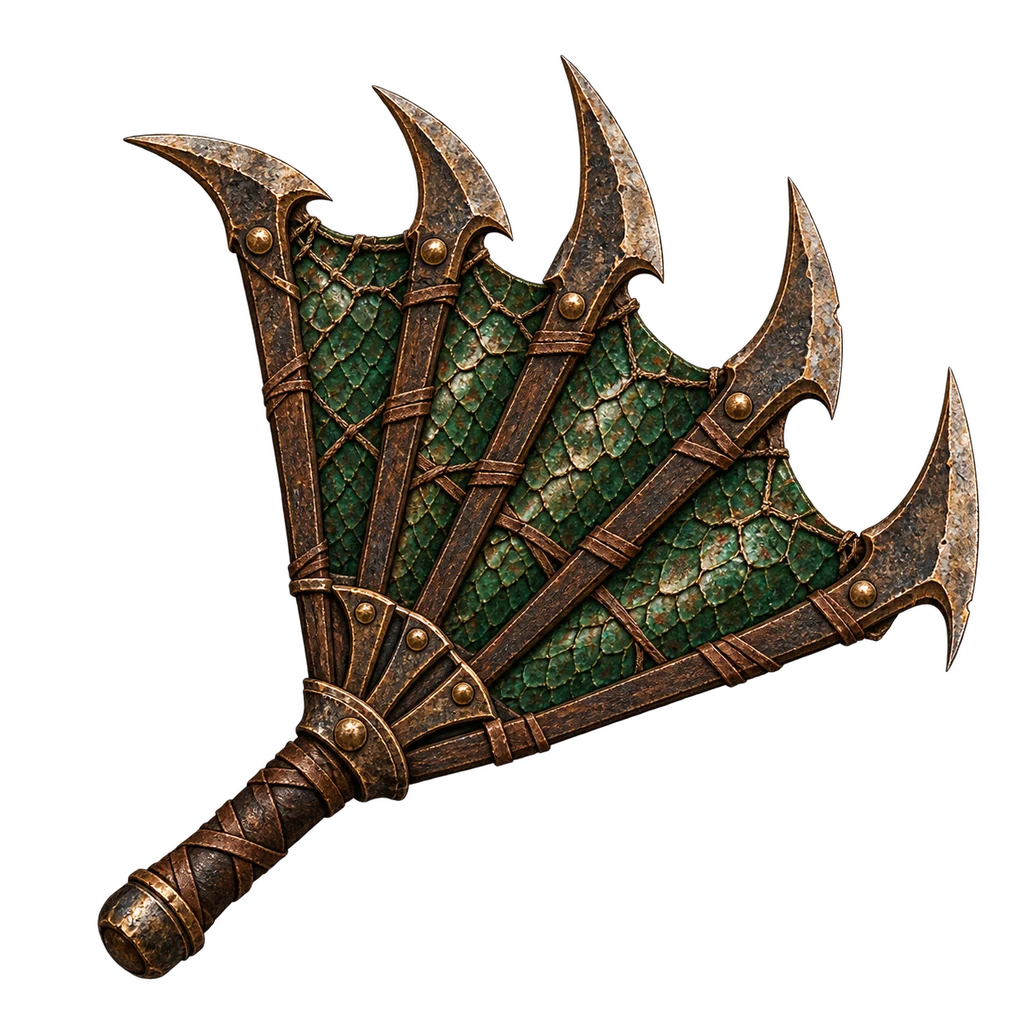 Reedsilk Fans
ilvl 9
ilvl 21
ilvl 31
ilvl 3
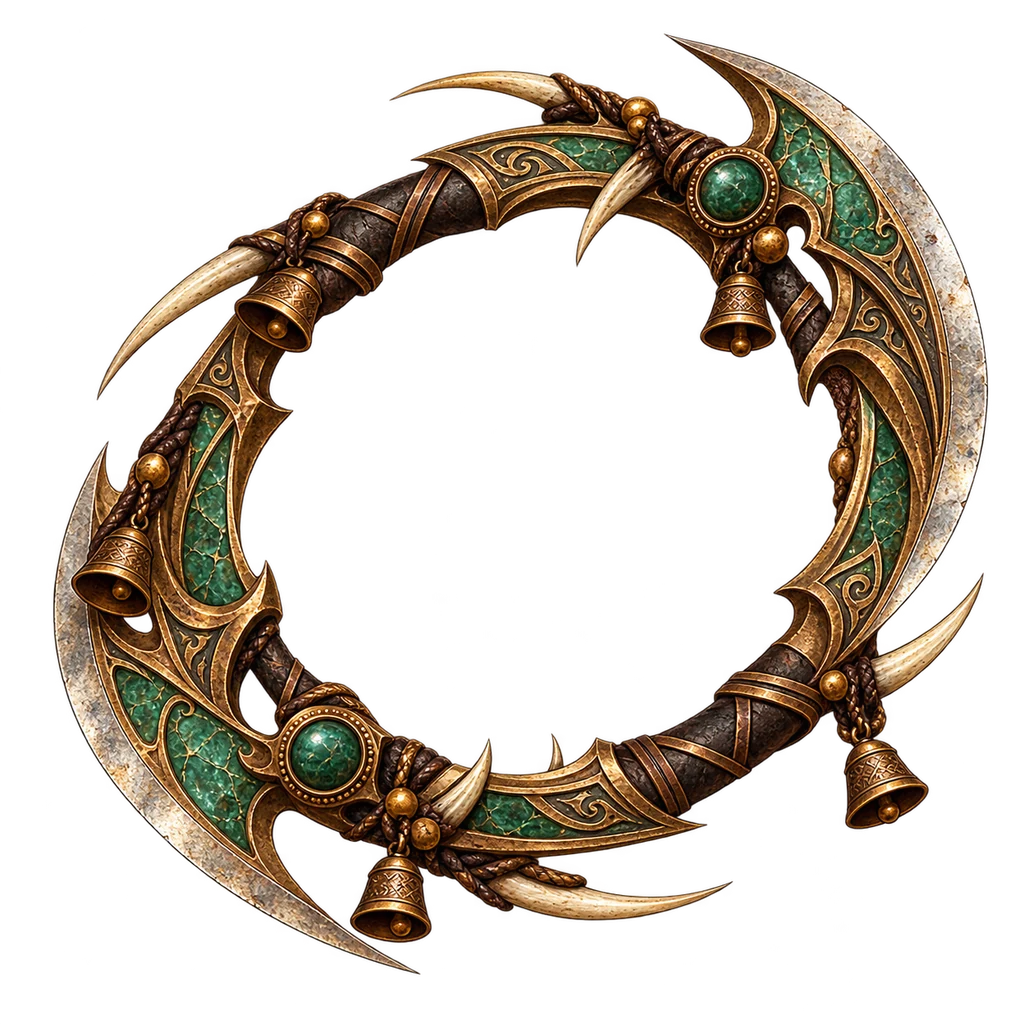 Bellring Chakram
ilvl 25
ilvl 37
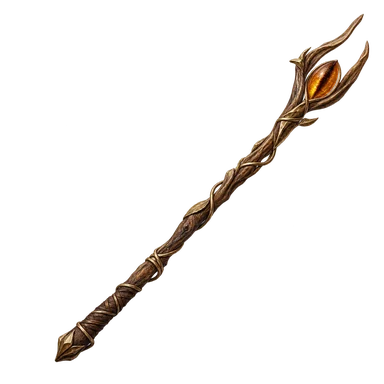 Reedwood Wand
ilvl 3
ilvl 17
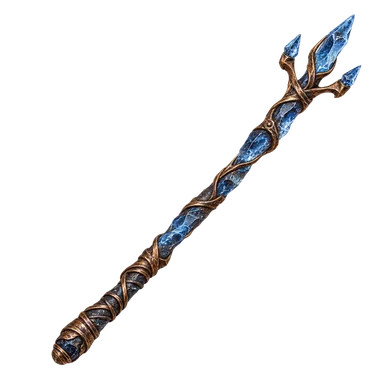 Stormglass Wand
ilvl 31
ilvl 9
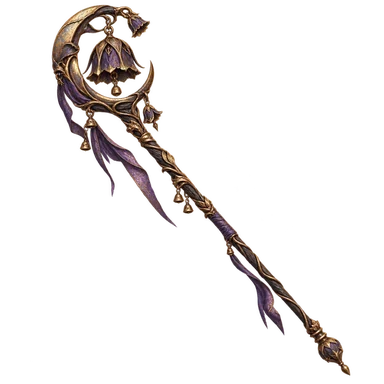
Bellshade Staffilvl 25
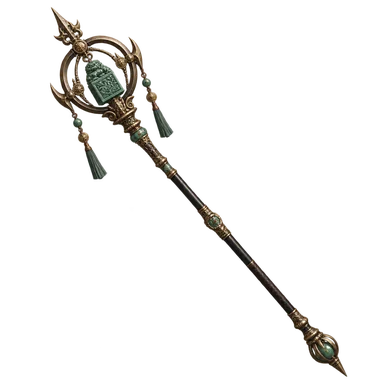 Exarch Staff
ilvl 39
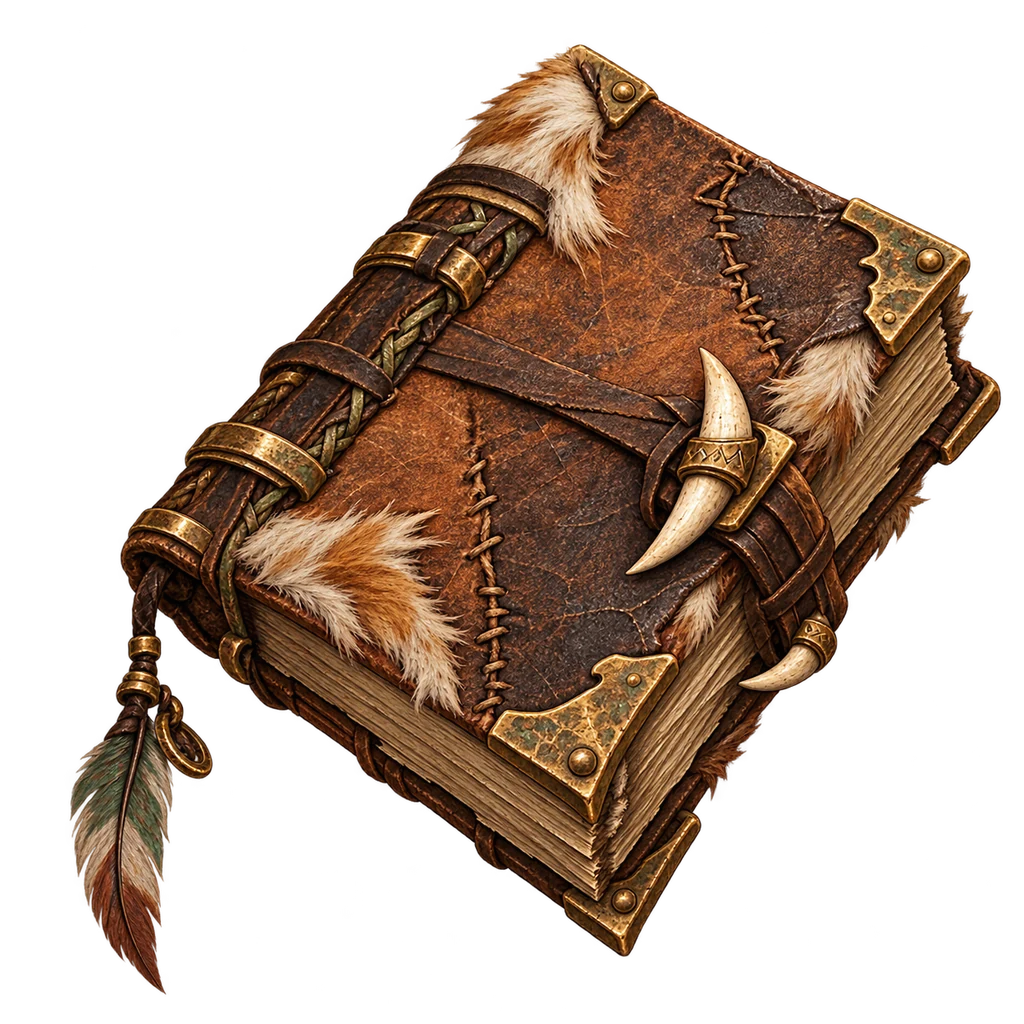 Dewleaf Primer
ilvl 3
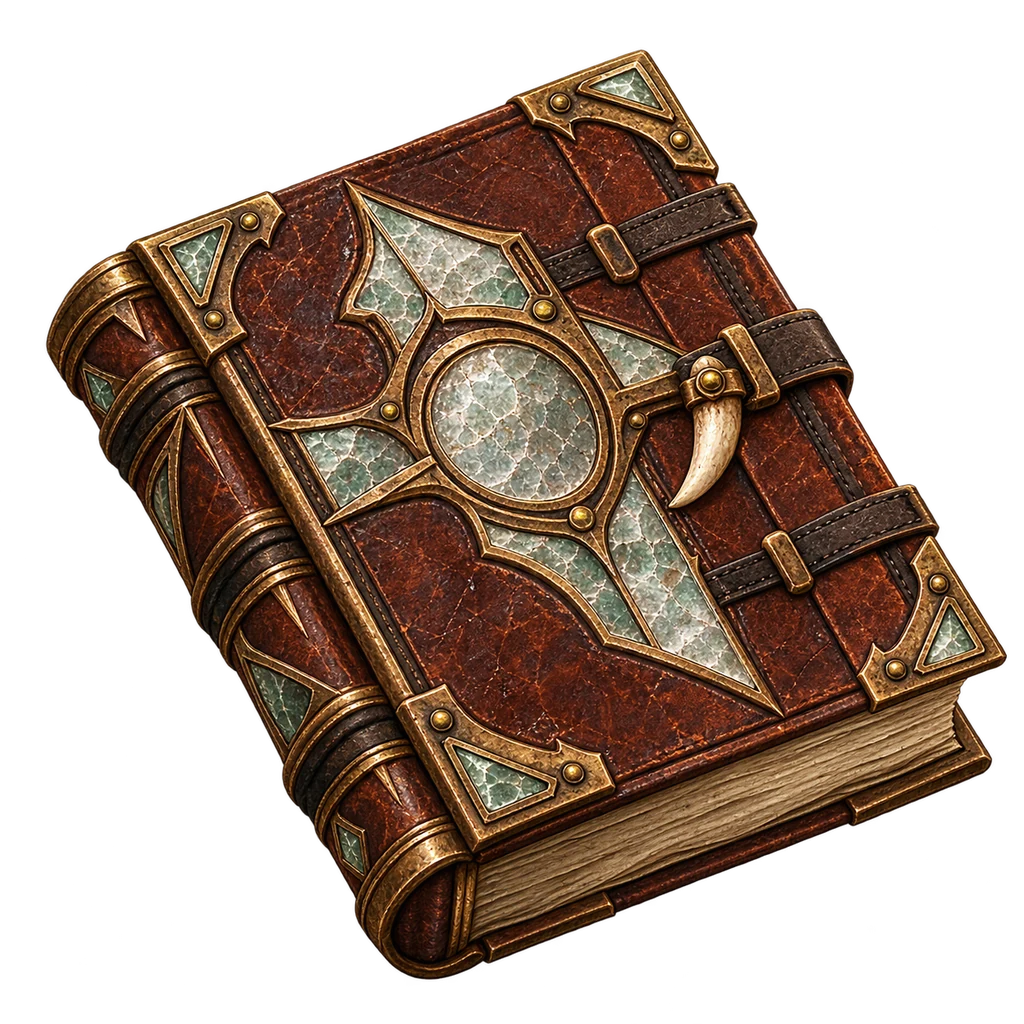 Saltglass Tome
ilvl 21
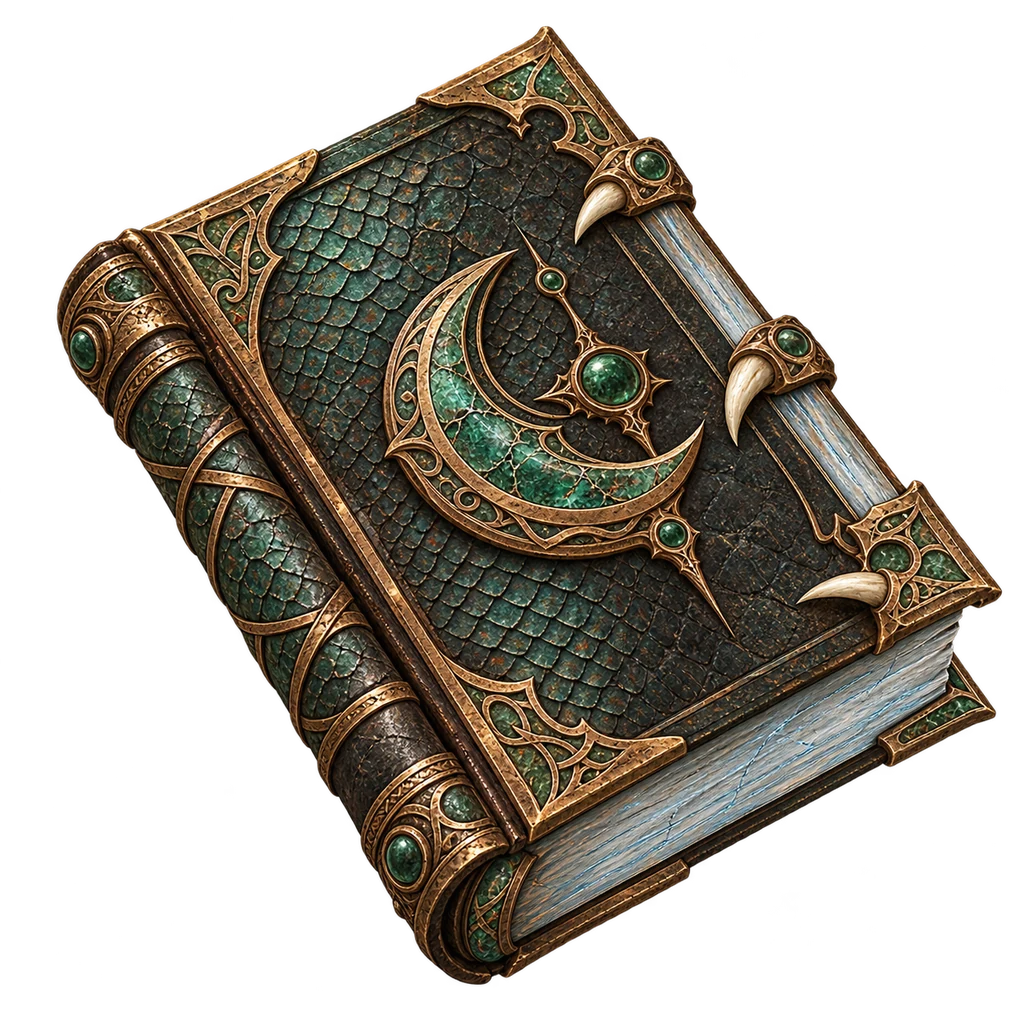 Moonfrost Grimoire
ilvl 37
ilvl 7
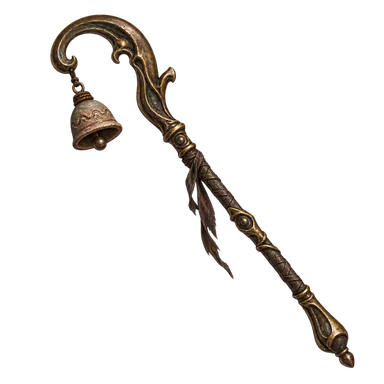 Siltcall Scepter
ilvl 15
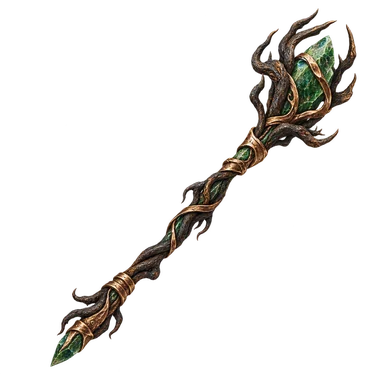 Ashroot Scepter
ilvl 35
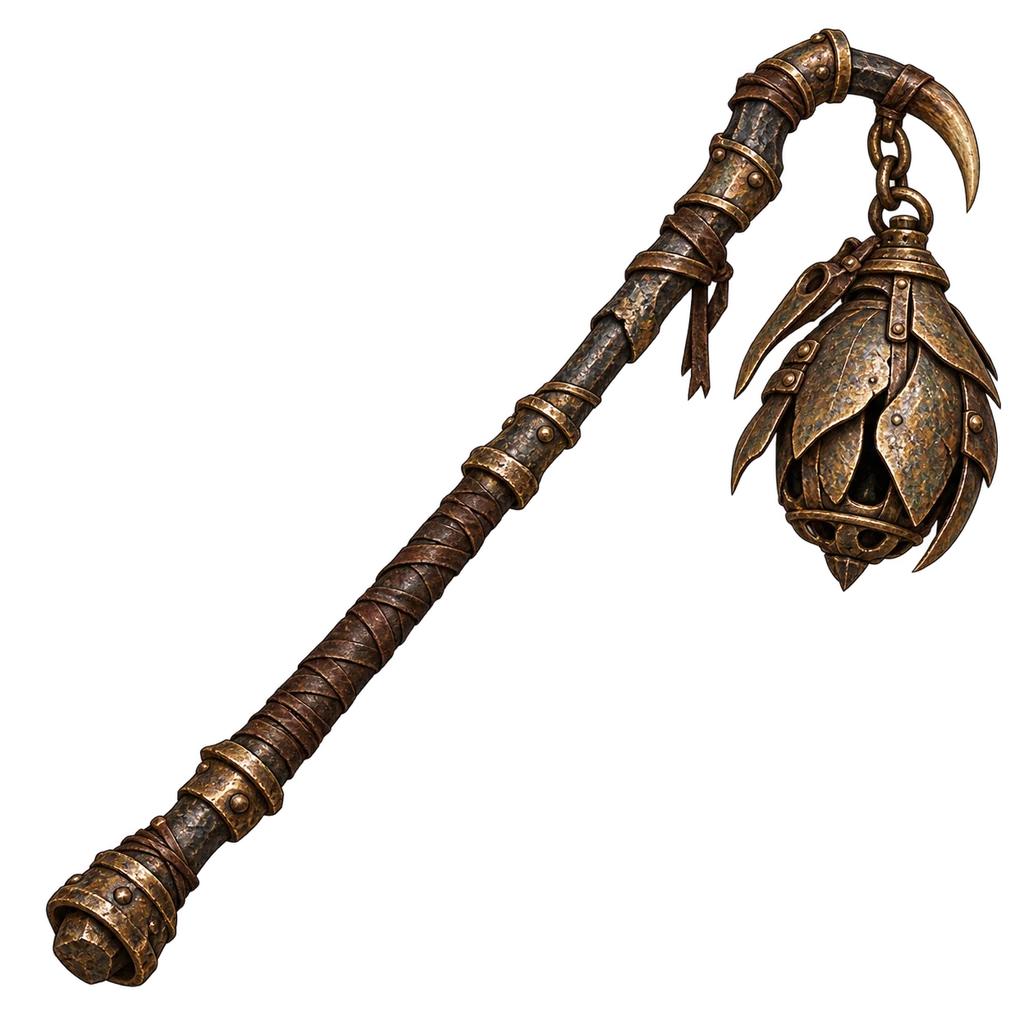 Beetlelamp Thurible
ilvl 7
ilvl 19
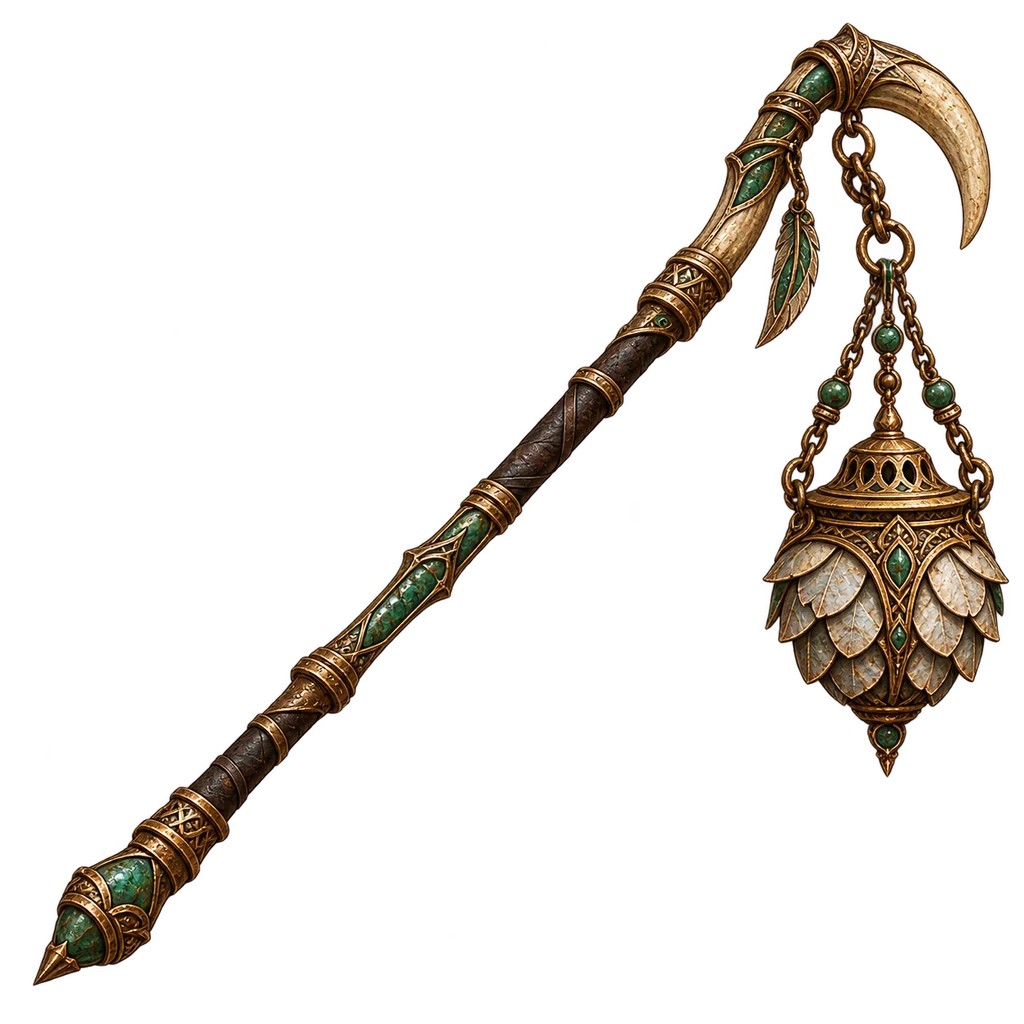 Ashroad Censer
ilvl 33
ilvl 11
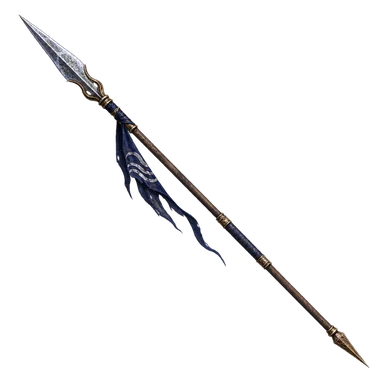 Saltpiercer Glaive
ilvl 21
ilvl 39
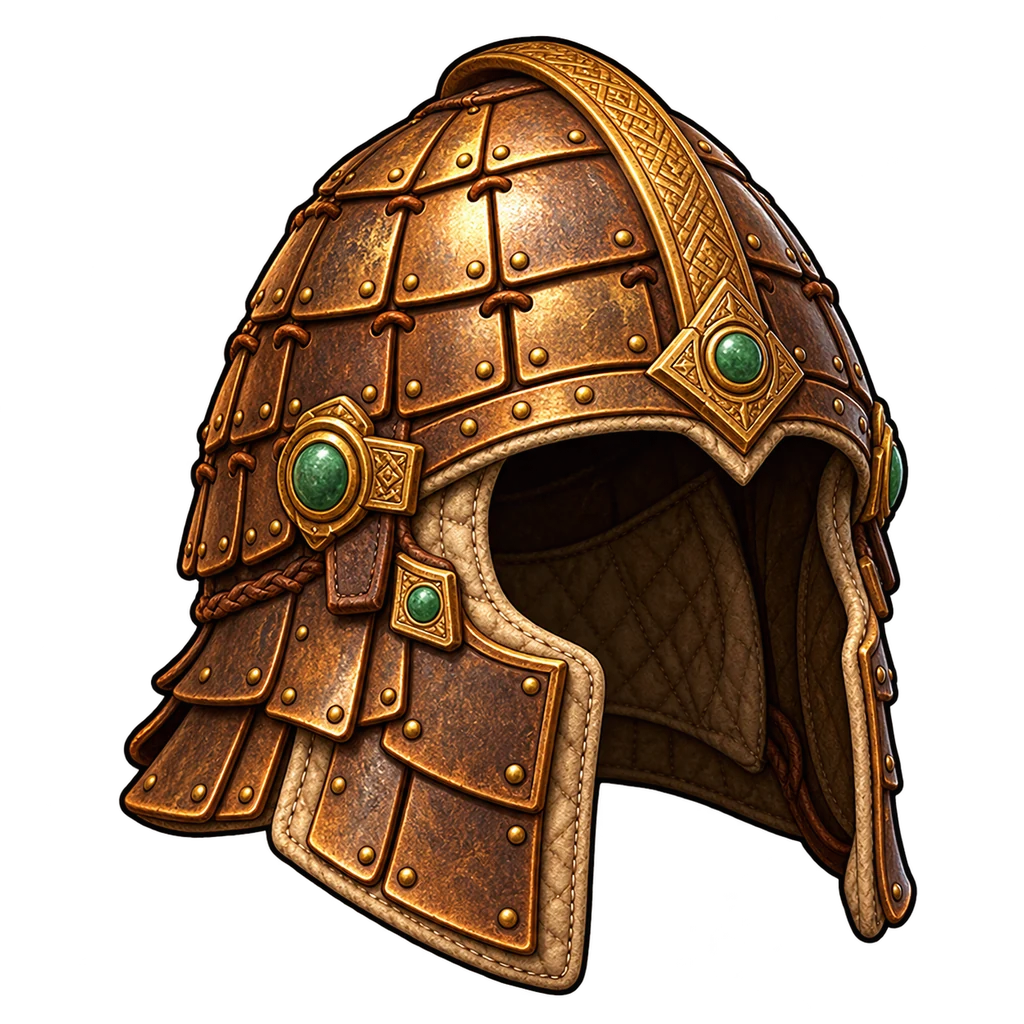 Gate Helm
plate · ilvl 6
Kiln-forged Helmplate · ilvl 20
Regent’s Crest Helmplate · ilvl 34
Scout Hoodleather · ilvl 6
Duskfang Hoodleather · ilvl 20
Stormquill Cowlleather · ilvl 34
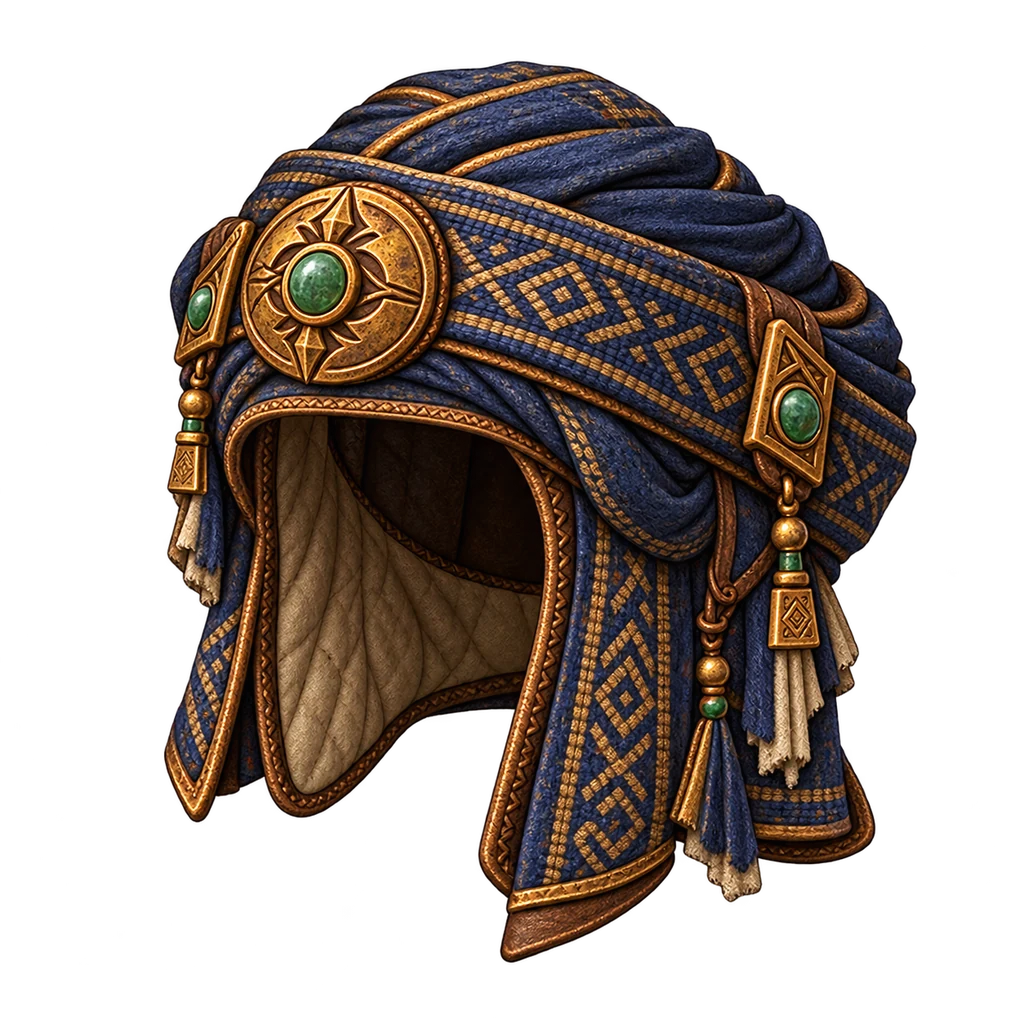 Archivist Circlet
silk · ilvl 6
Bellshade Coifsilk · ilvl 20
Moonfrost Diademsilk · ilvl 34
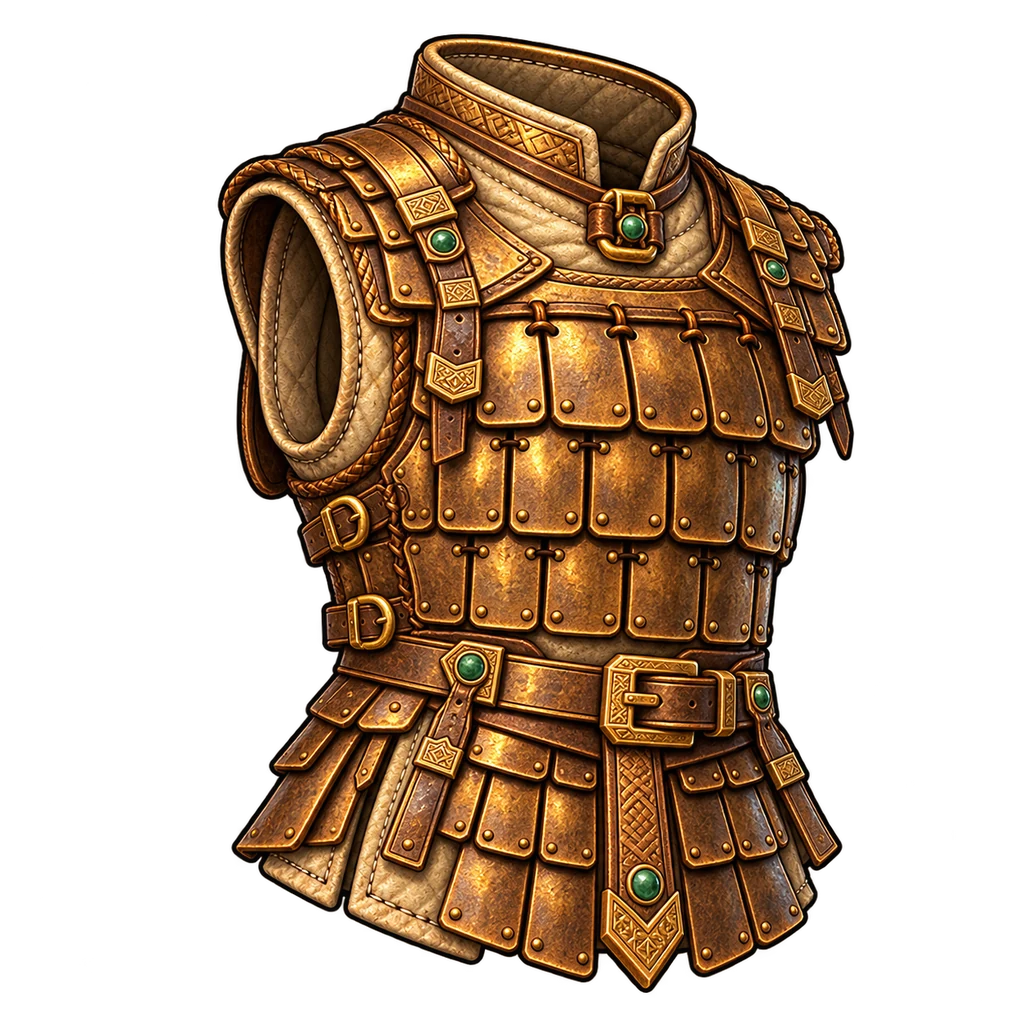 Wall-guard Lamellar
plate · ilvl 6
Brineshell Cuirassplate · ilvl 20
Basalt Scale Hauberkplate · ilvl 34
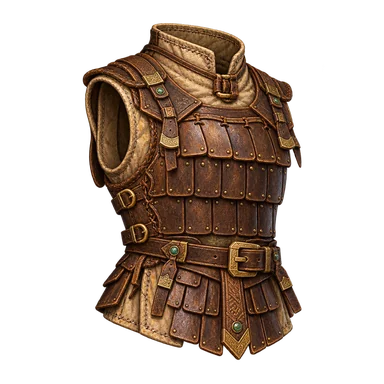 Scout Armour
leather · ilvl 6
Saltway Brigandineleather · ilvl 20
Ashroad Jerkinleather · ilvl 34
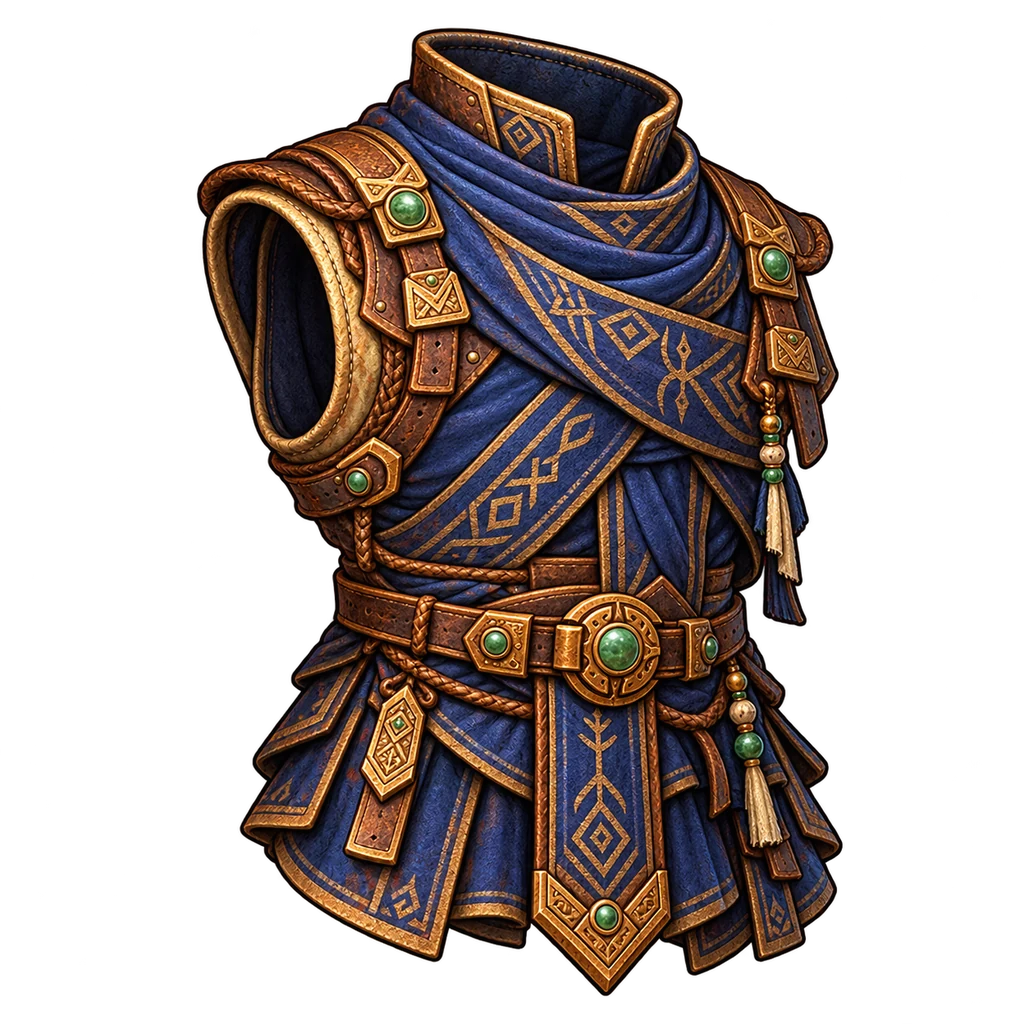 Travelling Robe
silk · ilvl 6
Lantern Vestmentsilk · ilvl 20
Jade Seal Regaliasilk · ilvl 34
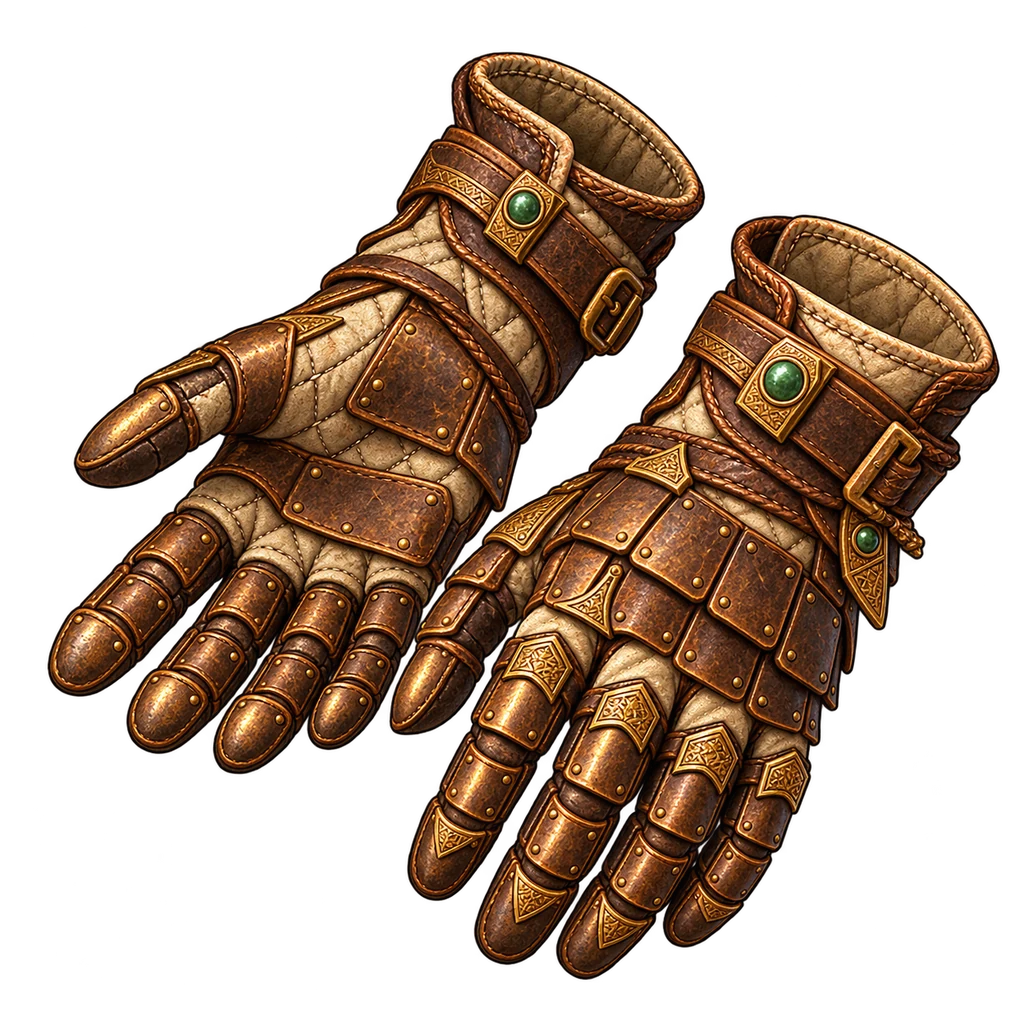 Gate Gauntlets
plate · ilvl 6
Clayknuckle Gauntletsplate · ilvl 20
Basalt Fistsplate · ilvl 34
Wayworn Glovesleather · ilvl 6
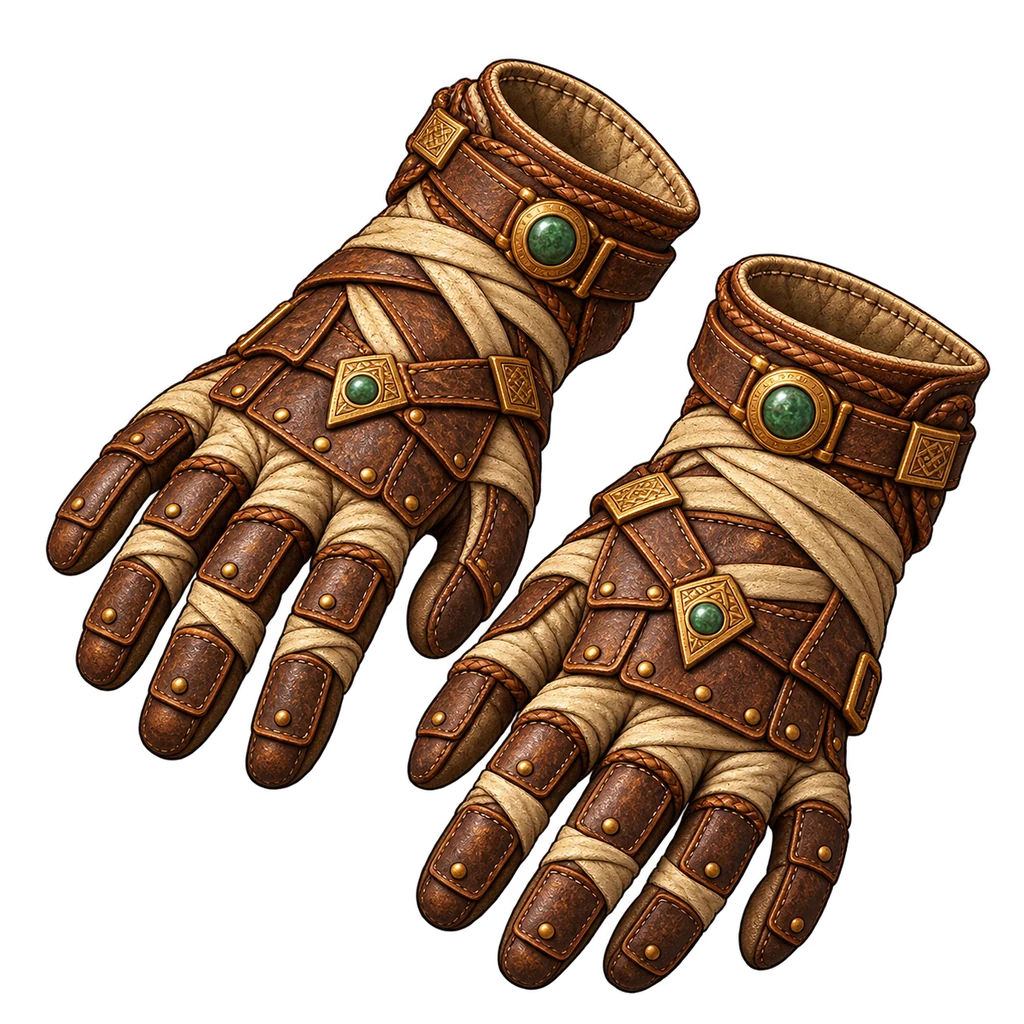 Marshfang Grips
leather · ilvl 20
Stormwing Gripsleather · ilvl 34
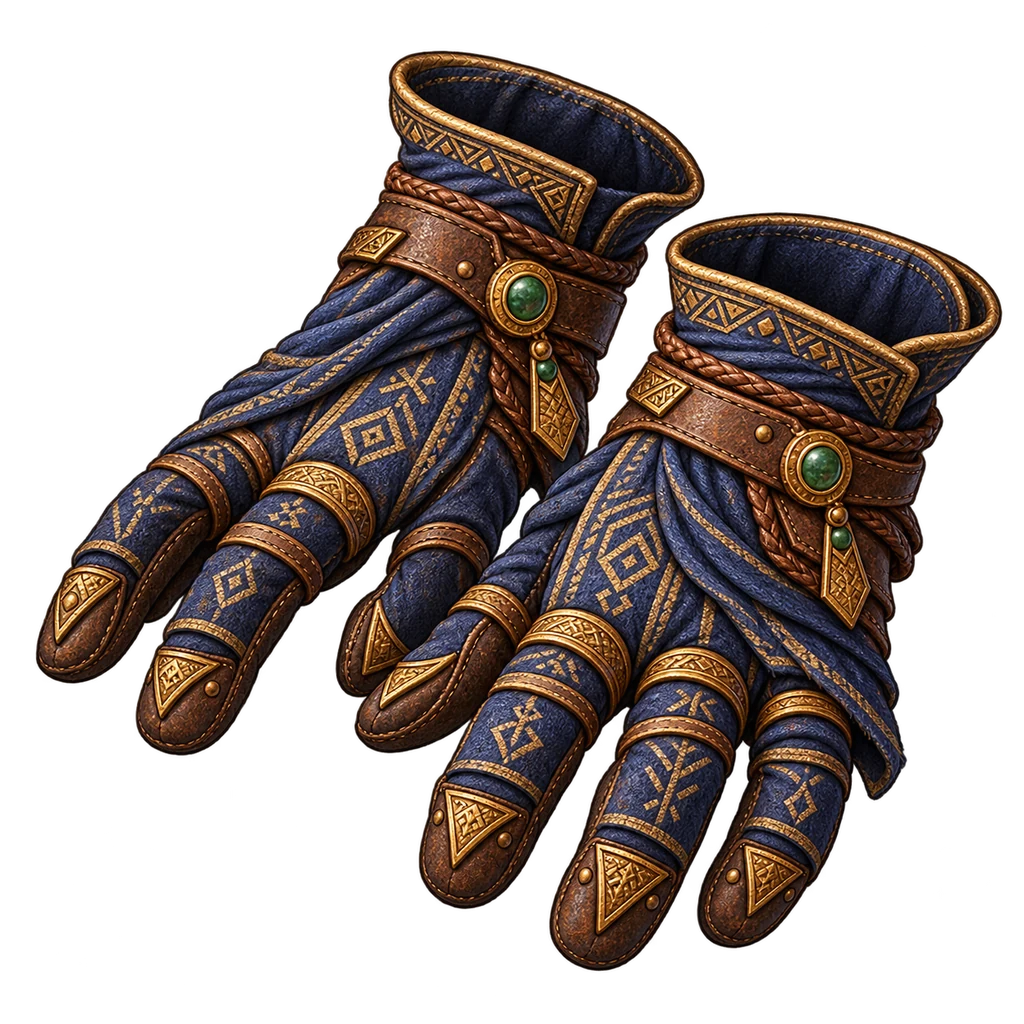 Scribe Wraps
silk · ilvl 6
Emberhorn Mittssilk · ilvl 20
Moonfrost Wrapssilk · ilvl 34
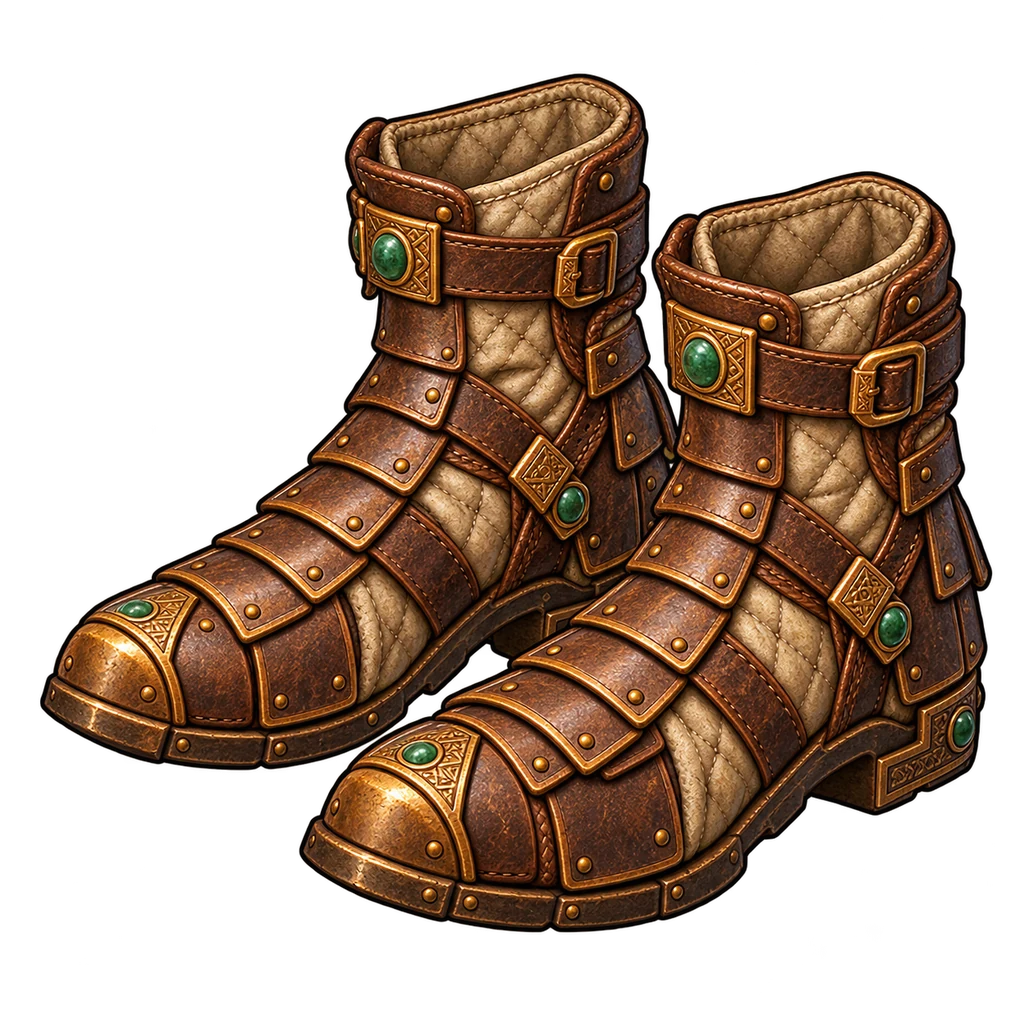 Gate Greaves
plate · ilvl 6
Kilnspine Sabatonsplate · ilvl 20
Regent Greavesplate · ilvl 34
 Wayworn Boots
leather · ilvl 6
Reedrunner Bootsleather · ilvl 20
Ashroad Stridersleather · ilvl 34
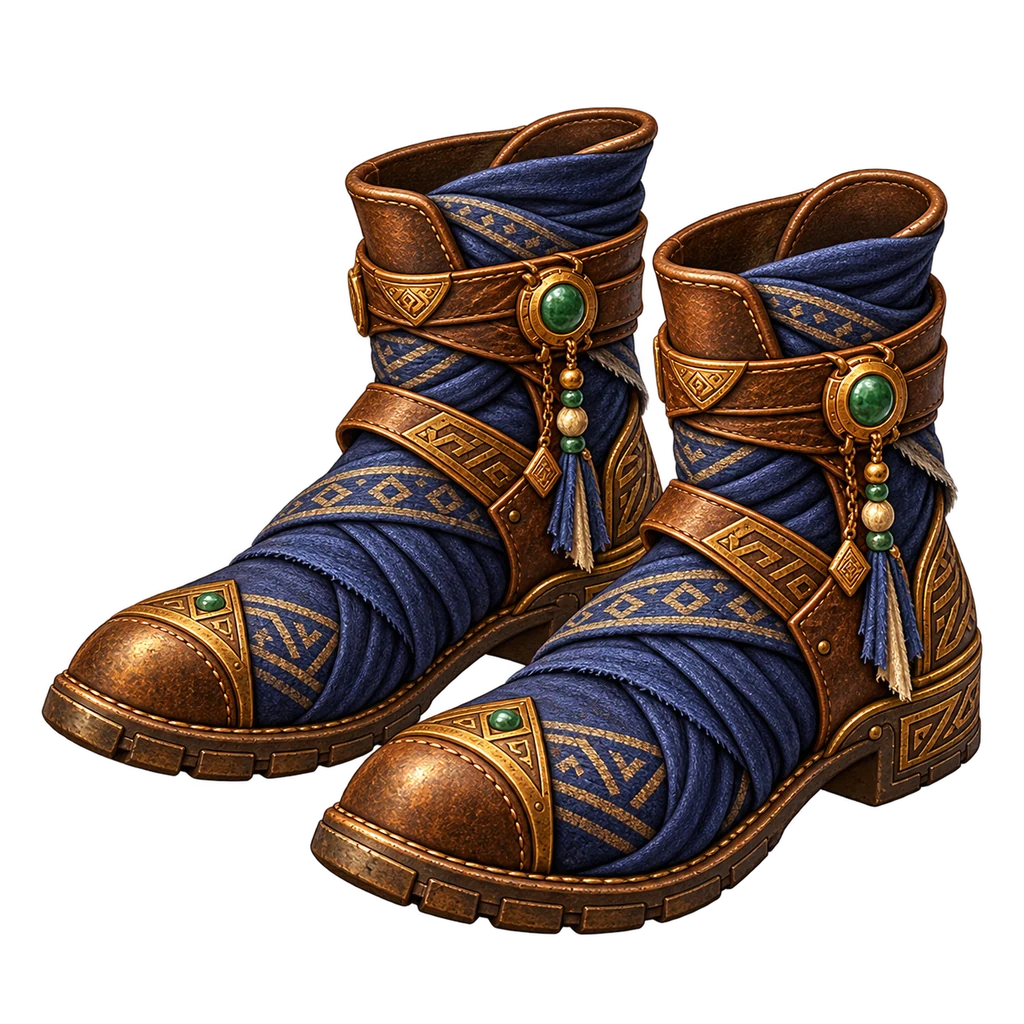 Pilgrim Slippers
silk · ilvl 6
Siltwalk Shoessilk · ilvl 20
Jade Step Slipperssilk · ilvl 34
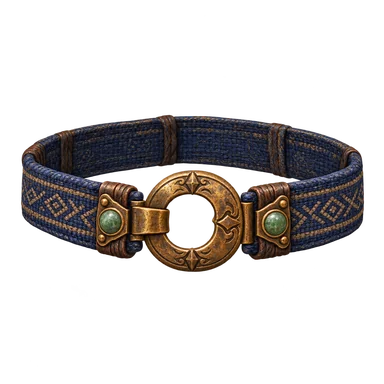 Trail Belt
any · ilvl 6
Copperlink Beltany · ilvl 20
Saltlord Girdleany · ilvl 34
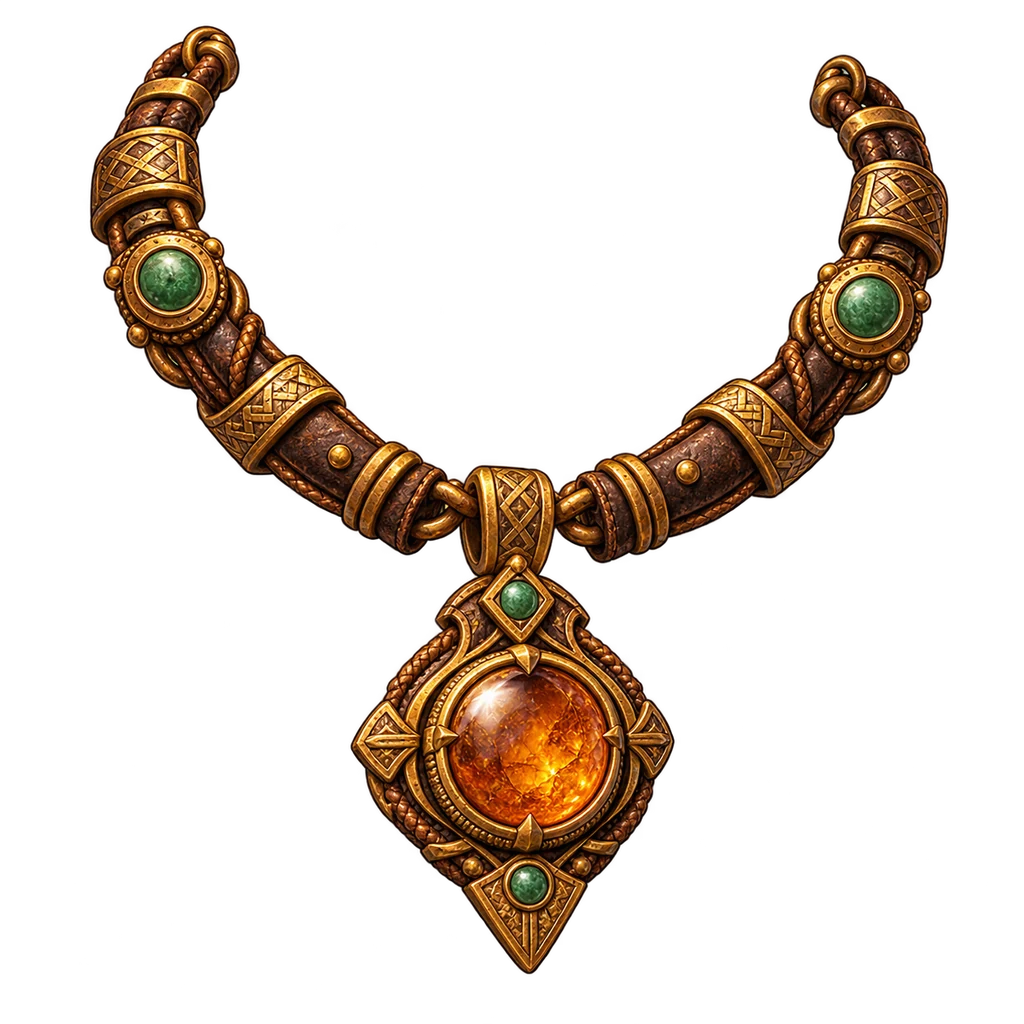
Bone-bead Necklacenecklace · ilvl 6
Amber Pendantnecklace · ilvl 20
Jade Seal Torcnecklace · ilvl 34
Brass Hoopearring · ilvl 6
Carnelian Dropearring · ilvl 20
Moonstone Earringearring · ilvl 34
Copper Bandring · ilvl 6
Saffron Signetring · ilvl 20
Basalt Eye Ringring · ilvl 34
999Awakening Seed999Inscription Pearl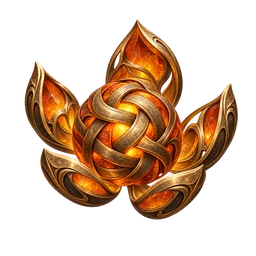 999Ascension Knot
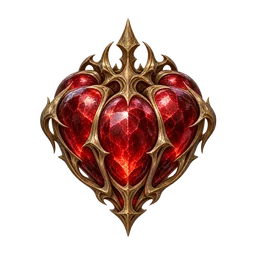 999Crowning Heart999Orb of Reweaving
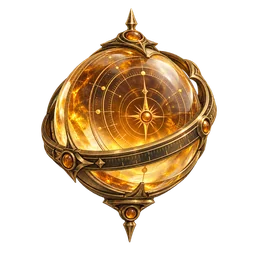 999Measured Dawn
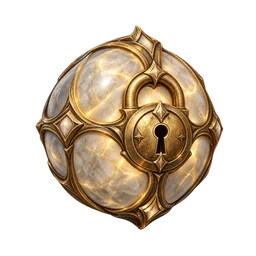 999Oathseal
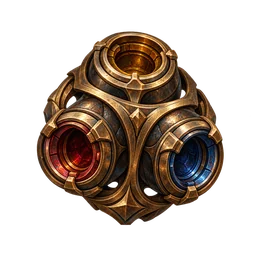 999Socketwright Core
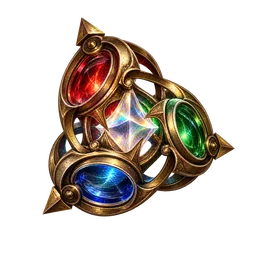 999Threefold Iris
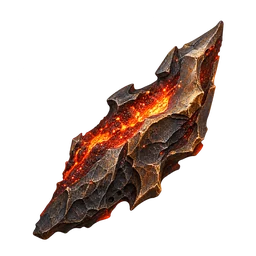 999Tempering Cinder
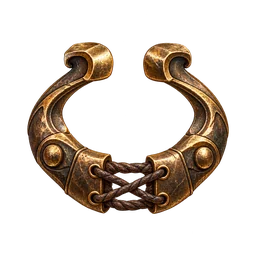 999Mender’s Clasp
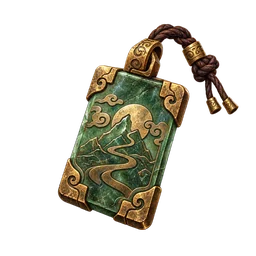 999Caravan Ward
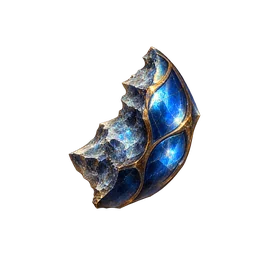 20Awakening Seed Shard
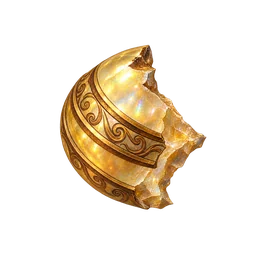 20Inscription Pearl Shard
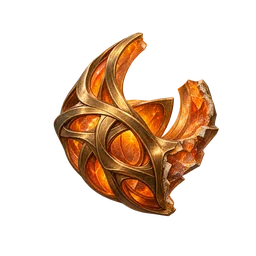 30Ascension Knot Shard
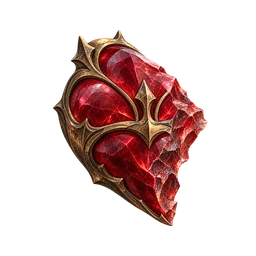 40Crowning Heart Shard
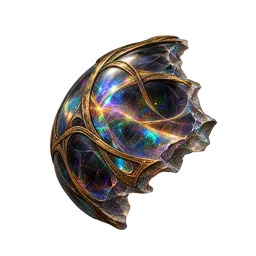 50Orb of Reweaving Shard
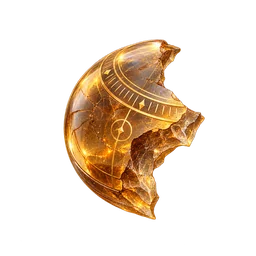 20Measured Dawn Shard
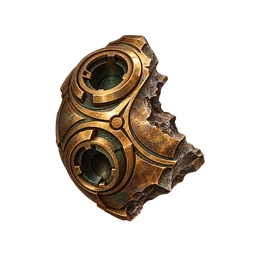 20Socketwright Core Shard
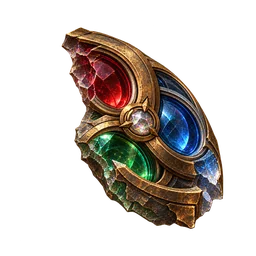 20Threefold Iris Shard
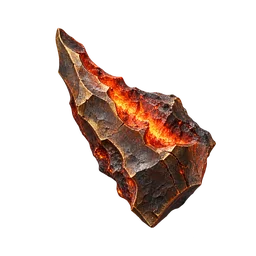 20Tempering Cinder Shard
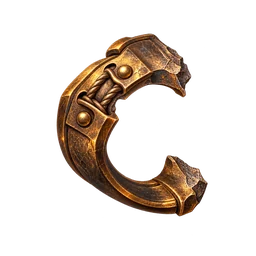 20Mender’s Clasp Shard
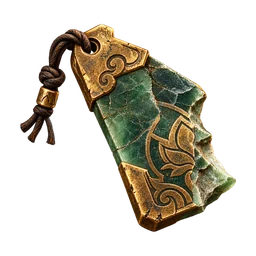 30Caravan Ward Shard
 Cairn Vault
red · movement
 Reed Rush
green · movement
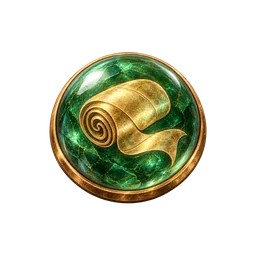 Silk Roll
blue · movement
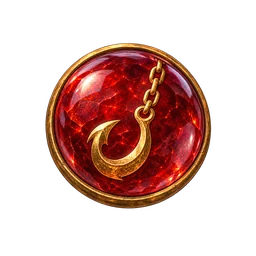
Anchor Pullred · movement
 Mirror Exchange
blue · movement
 Veilstride
blue · movement
Winterglassblue · weapon primary
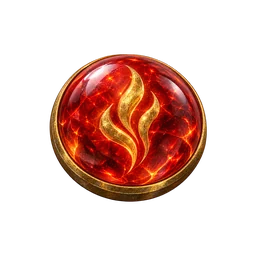 Emberheart
red · weapon primary
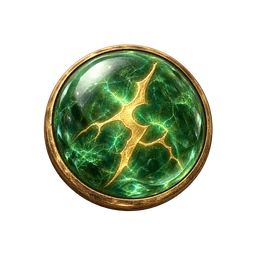 Stormseed
green · weapon primary
 Lingering Echo
white · weapon support
Sure Omenwhite · weapon support
Frugal Stepwhite · belt support
 Quickened Step
white · belt support
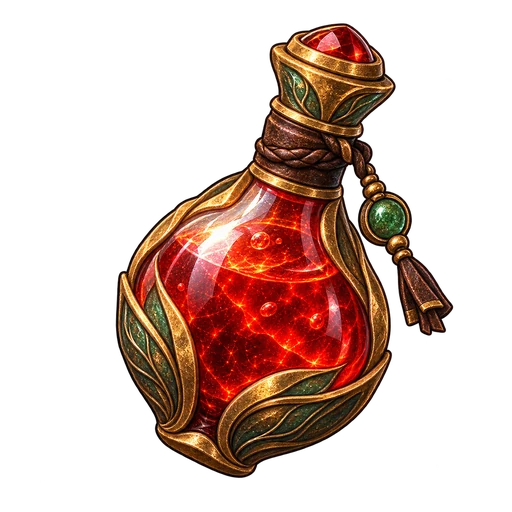 200Small Healing Draught
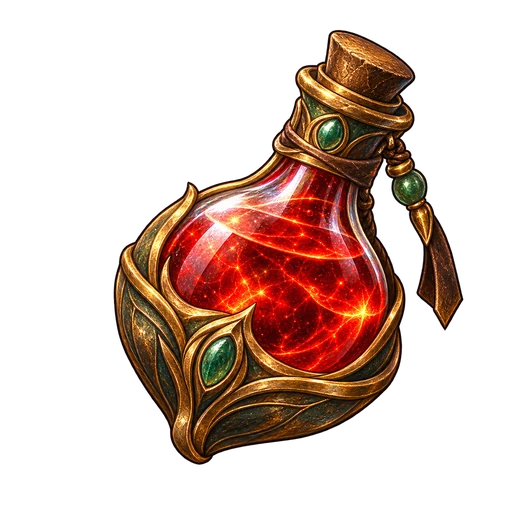 200Healing Draught
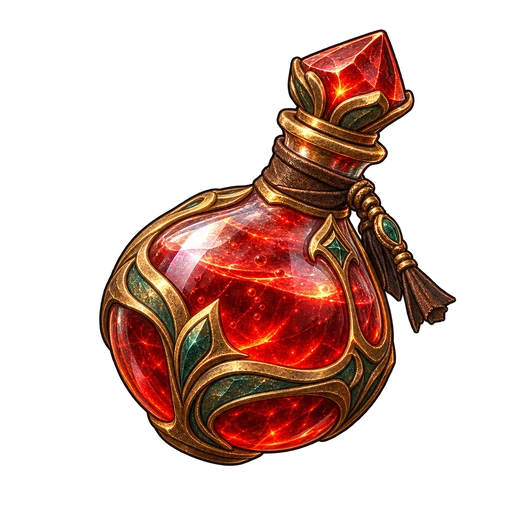 200Greater Healing Draught200Grand Healing Draught
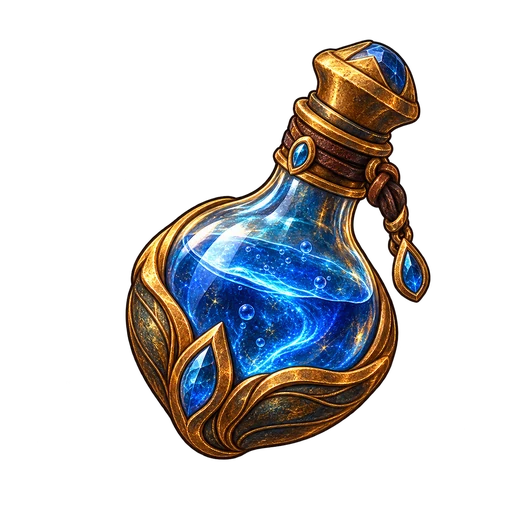 200Small Lamp Oil Tonic
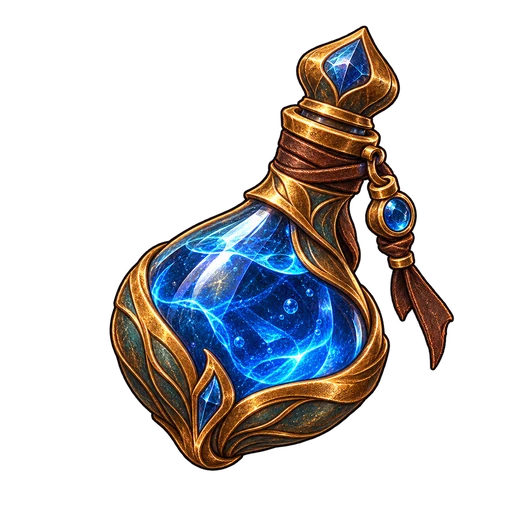 200Lamp Oil Tonic
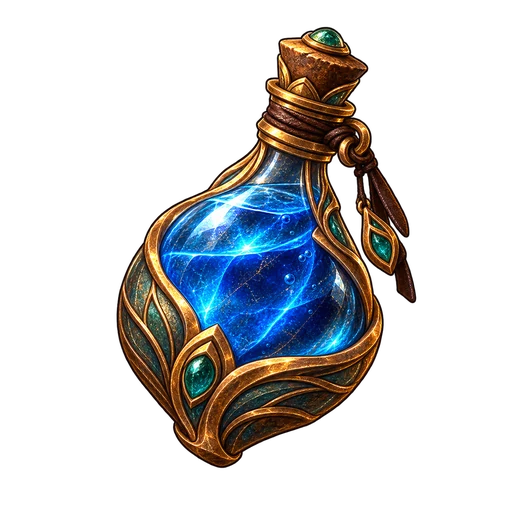 200Greater Lamp Oil Tonic200Grand Lamp Oil Tonic200Vigor Flask200Swiftroad Draught200Universal Pill
 200Thawing Tea
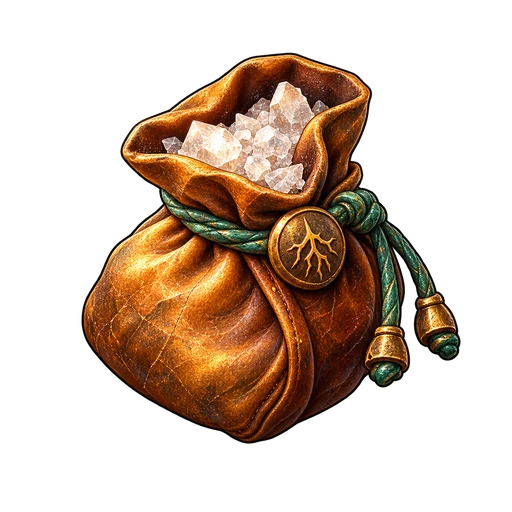 200Grounding Salt
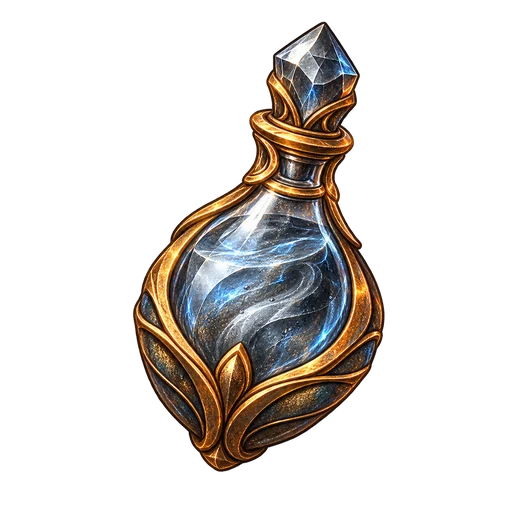 200Elixir of Iron
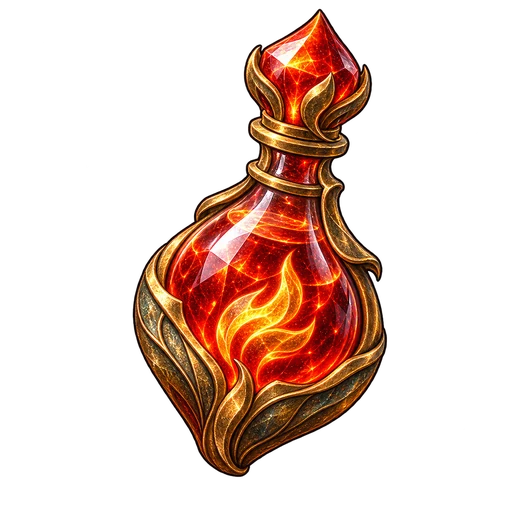 200Elixir of Fury
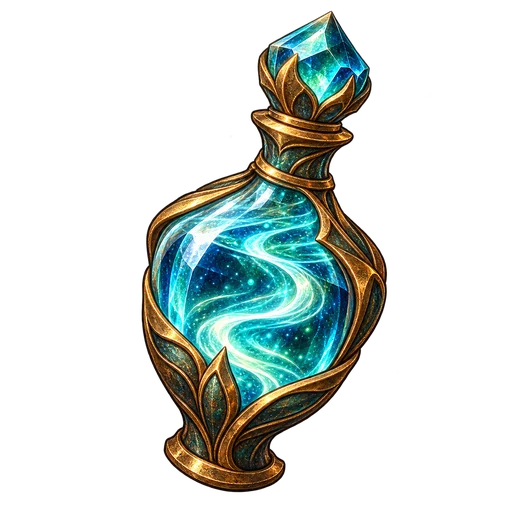 200Elixir of Haste
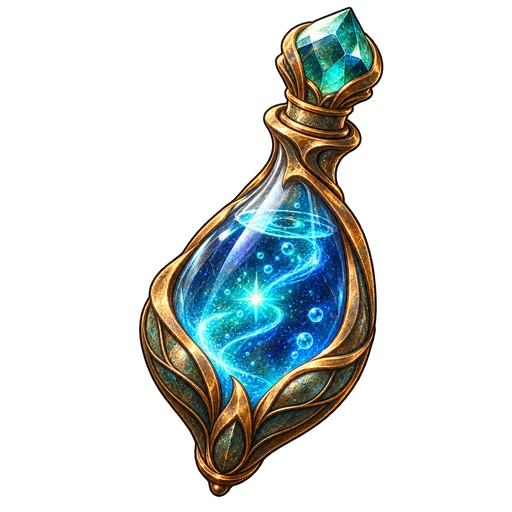 200Elixir of the Scholar
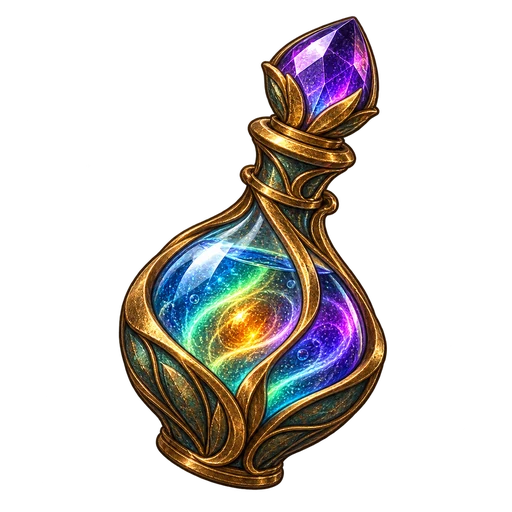 200Caravan Remedy
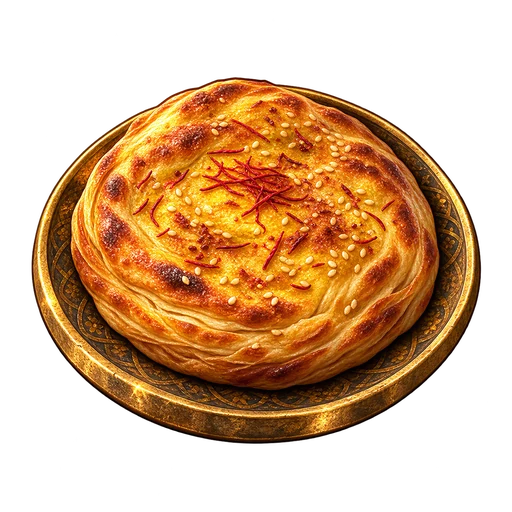 200Saffron Flatbread
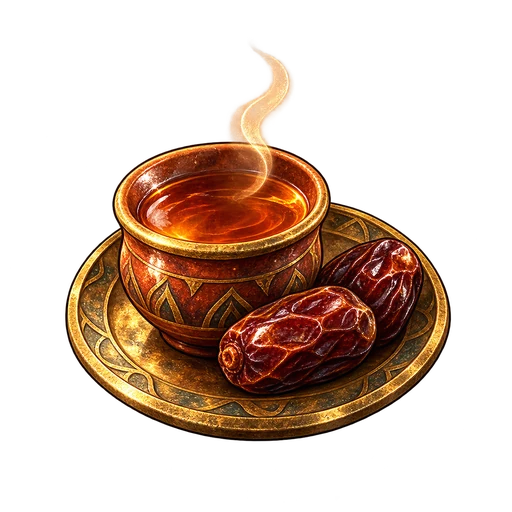 200Date Tea
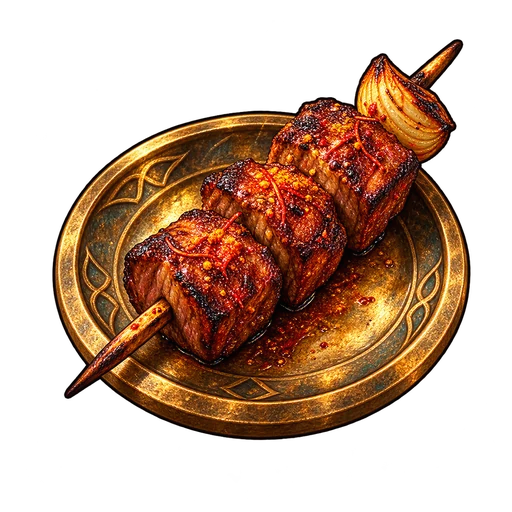 200Spiced Lamb Skewer
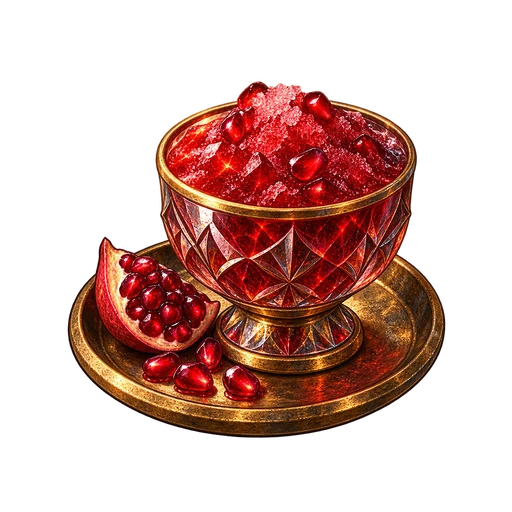 200Pomegranate Sherbet200Return Scroll200Waypoint Scroll
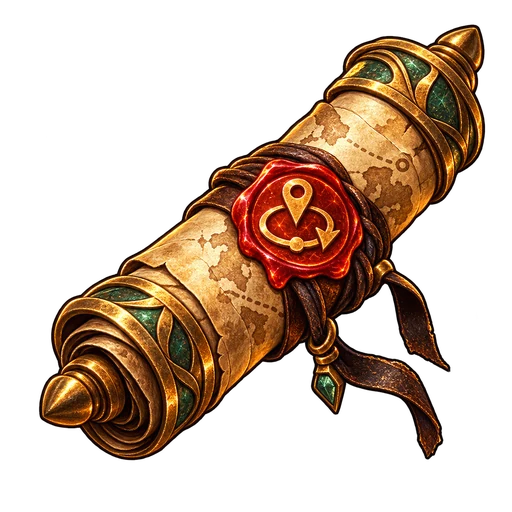 200Caravan Marker
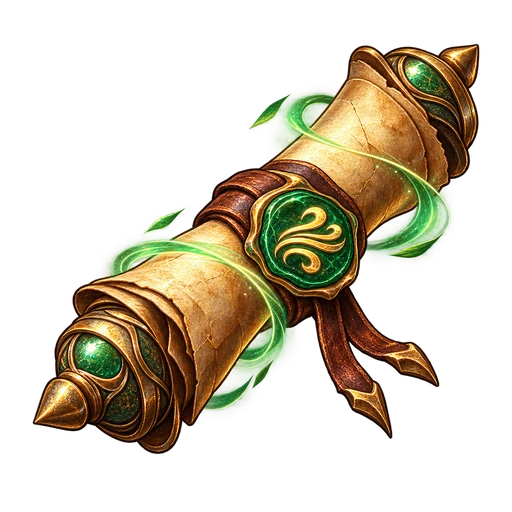 200Swiftroad Scroll
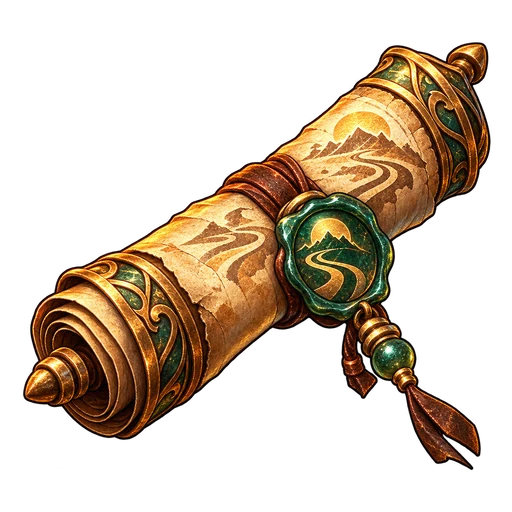 200Scroll of the Long Road
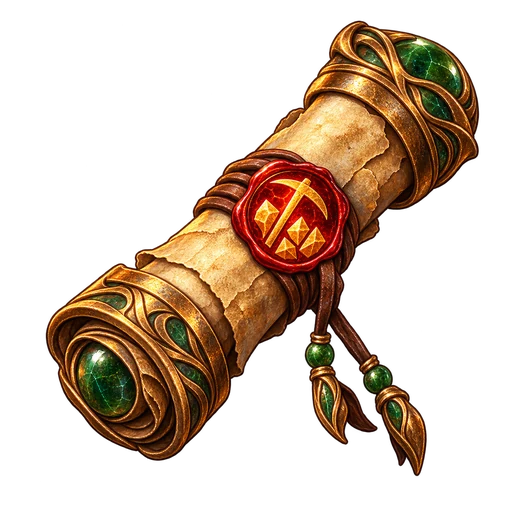 200Prospector’s Charm200Phoenix Feather
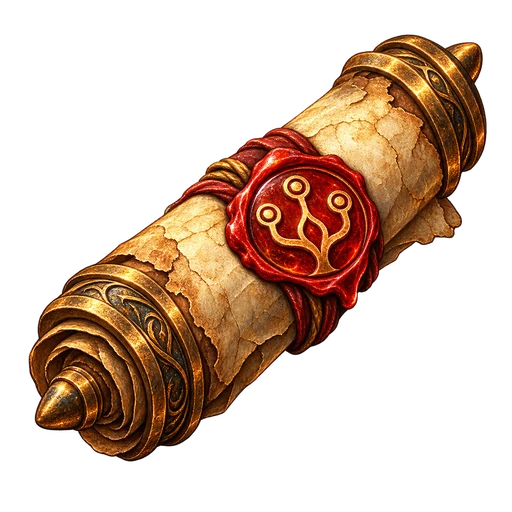 200Atlas Unwinding Scroll
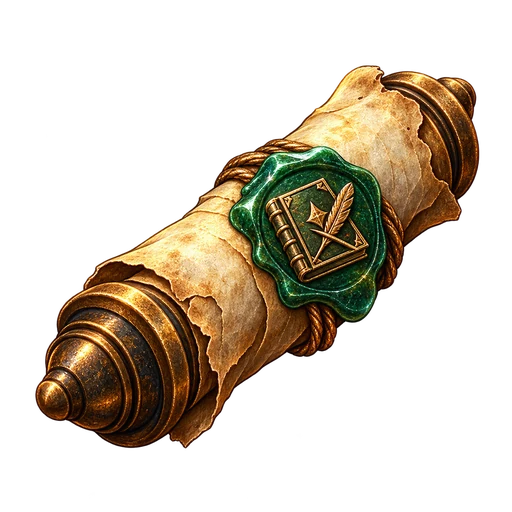 200Codex Unlearning Scroll
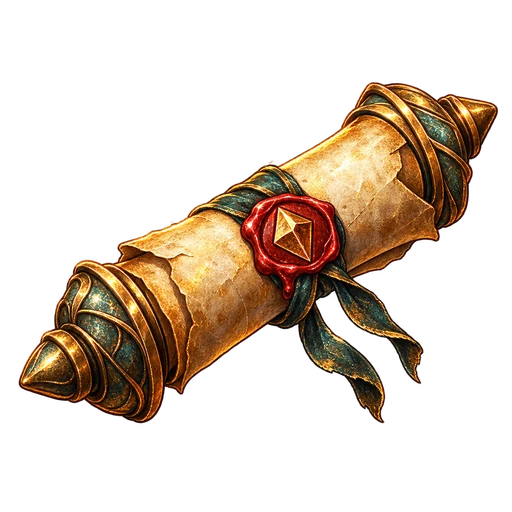 200Facet Reed
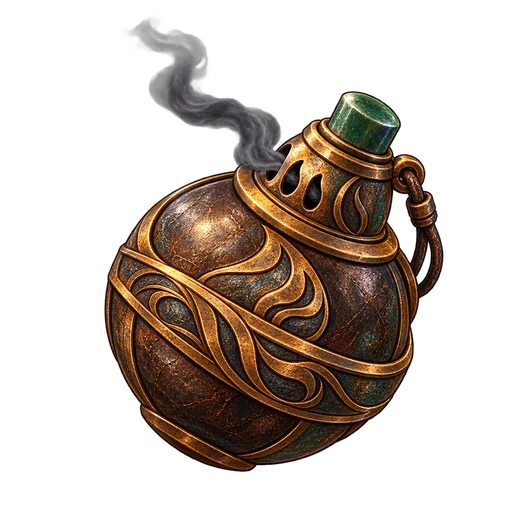 200Smoke Bomb
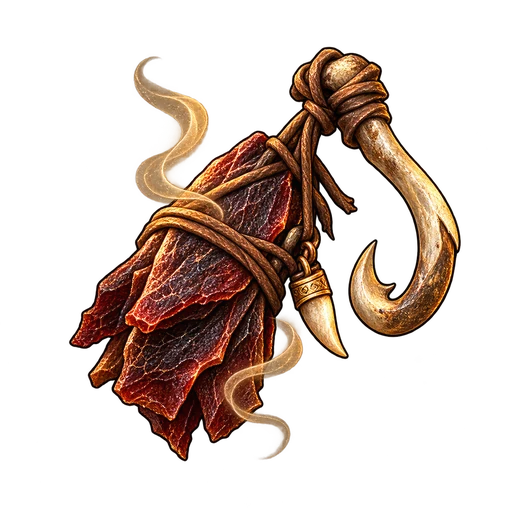 200Carrion Lure
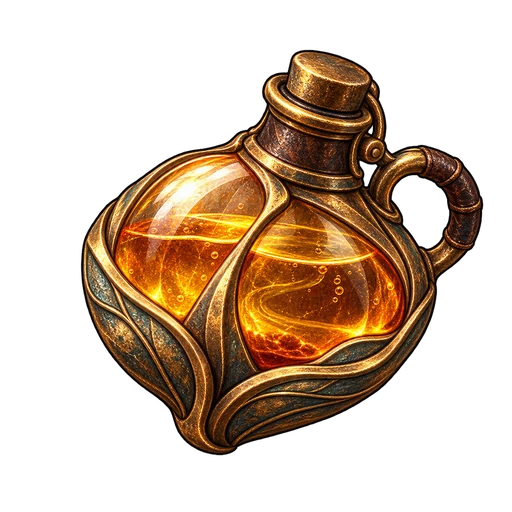 200Lantern Fuel
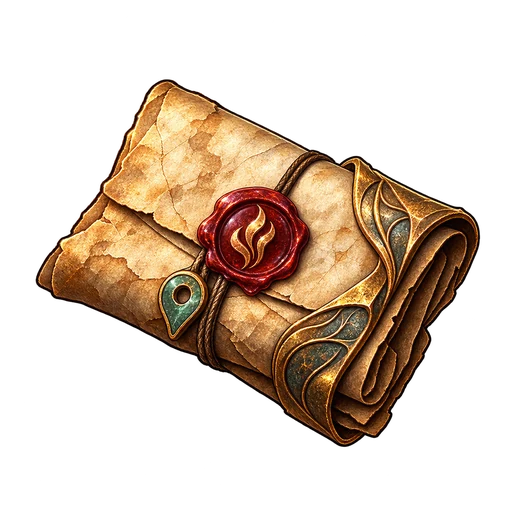 200Field Report Scroll
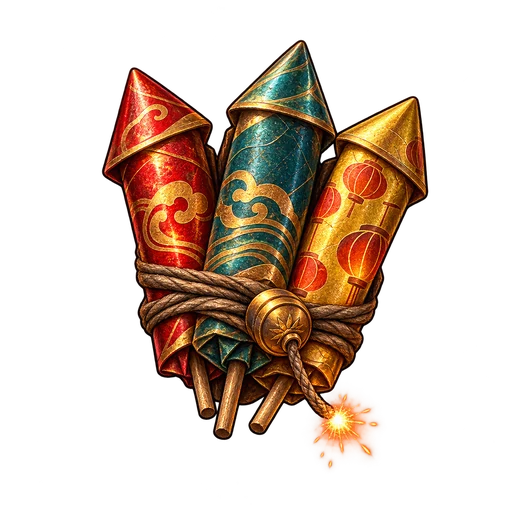 200Caravan Fireworks
Two materials per monster. Sell them to any vendor for gold, then buy white bases from the blacksmith or potions from the alchemist.
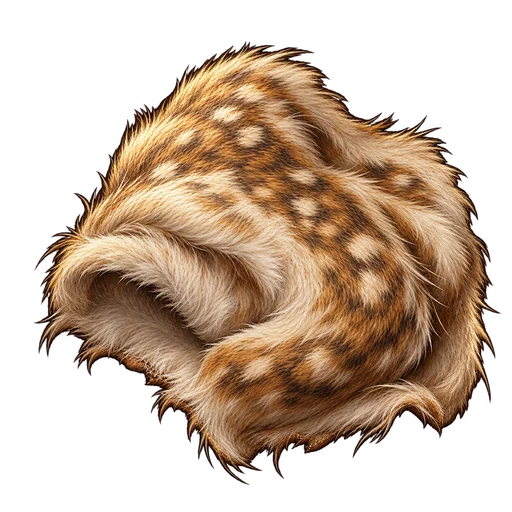 Dew-soft Pelt
3 g
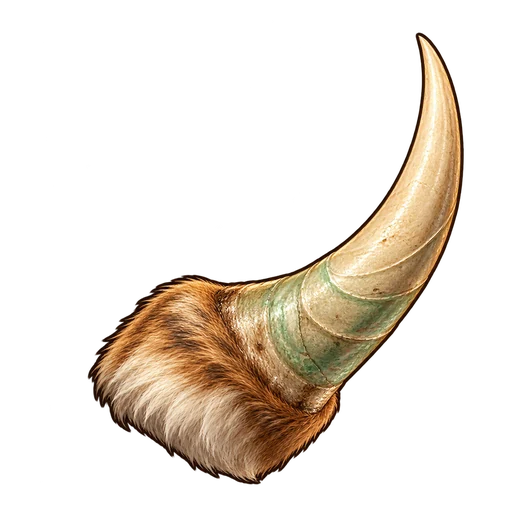 Small Dewhorn
7 g
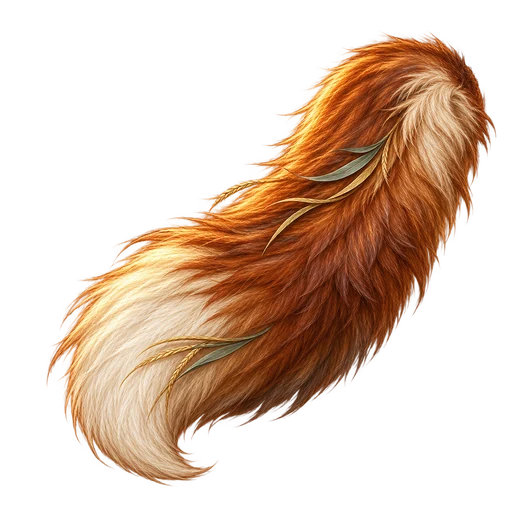 Reed Fox Brush
5 g
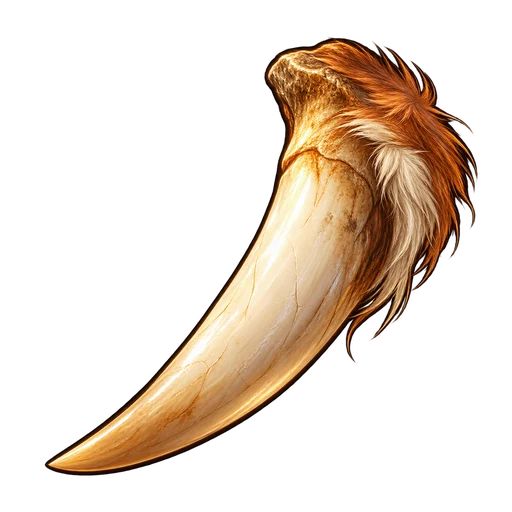 Fox Fang
12 g
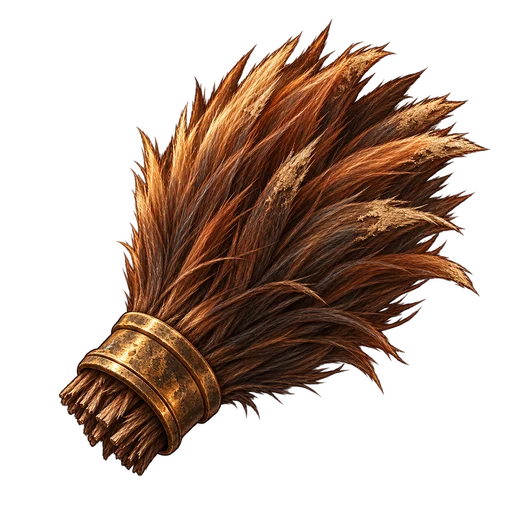 Boar Bristles
7 g
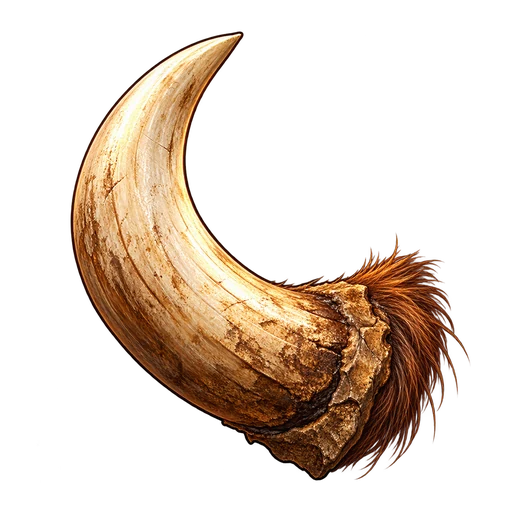 Orchard Tusk
16 g
Duneplate Shard8 g
Beetle Lamp-gland21 g
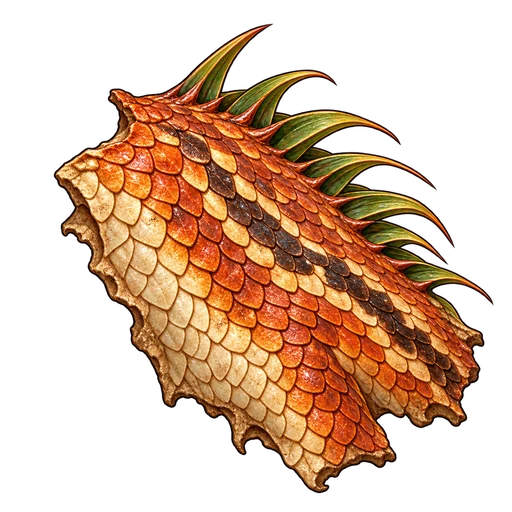 Reedscale Hide
10 g
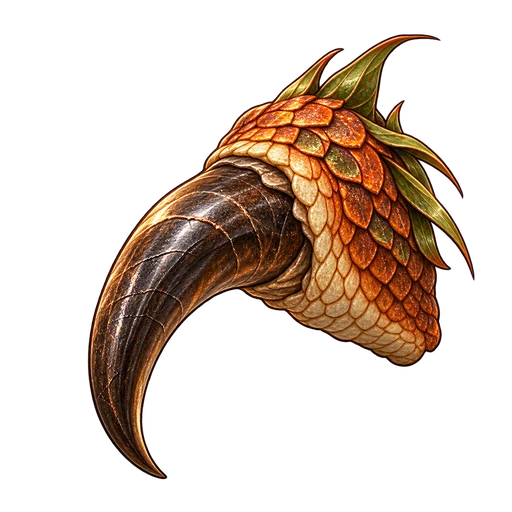 Lizard Claw
25 g
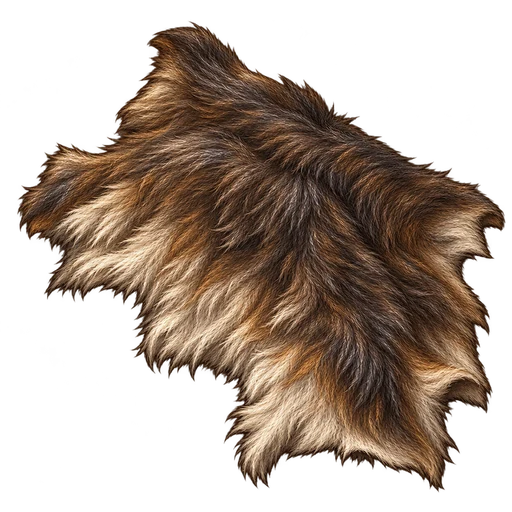 Marsh Wolf Pelt
12 g
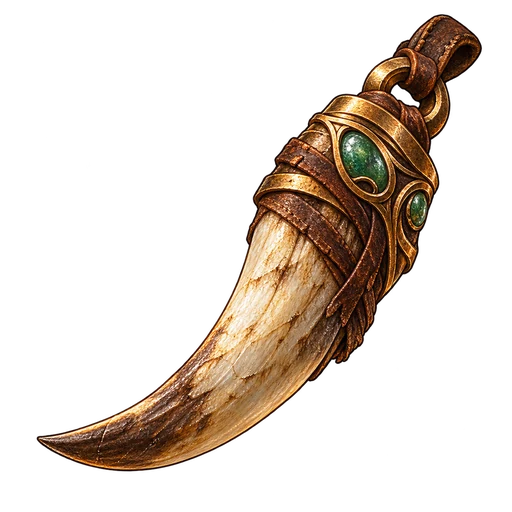 Wolf Fang
30 g
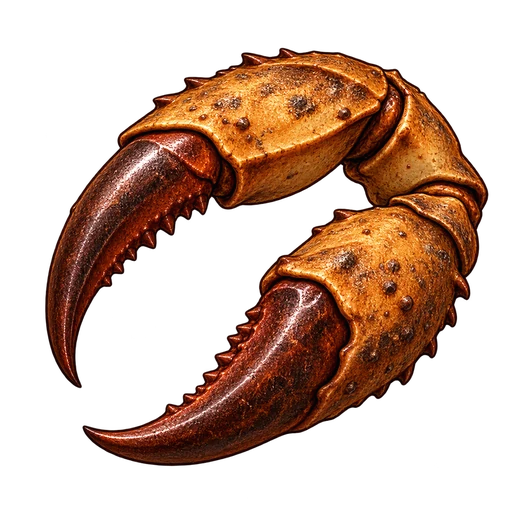 Clayclaw Pincer
14 g
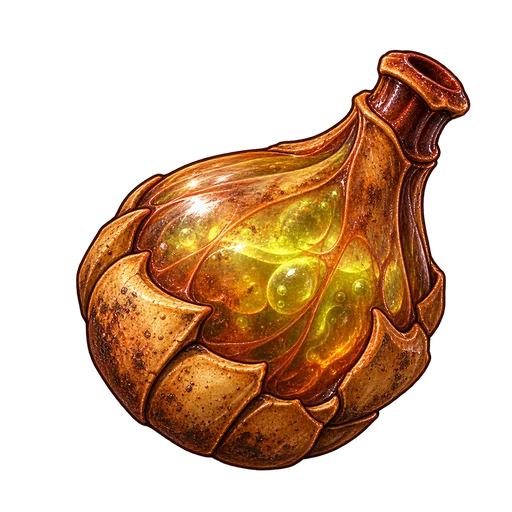 Clay Venom Sac
34 g
Silt Gecko Skin16 g
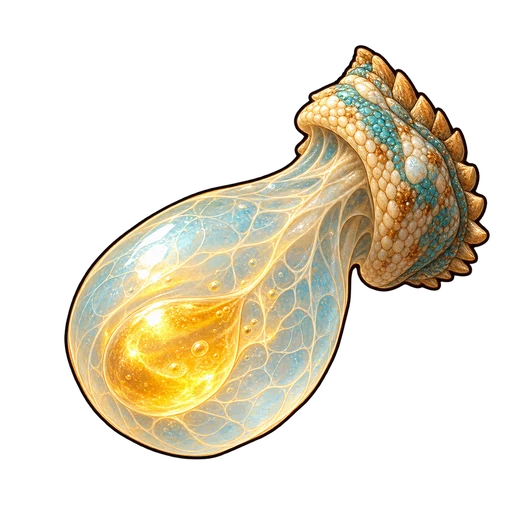 Spit Gland
39 g
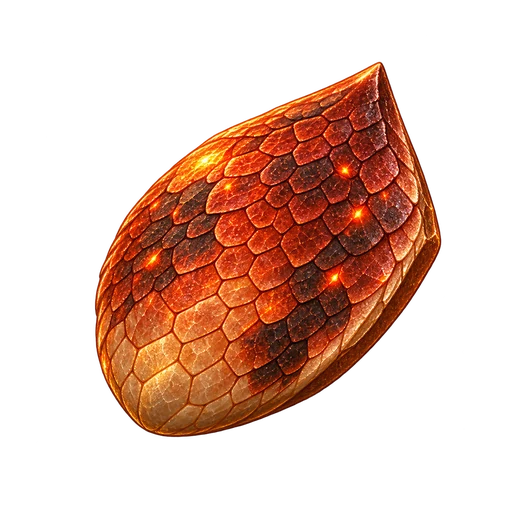 Emberhorn Scale
17 g
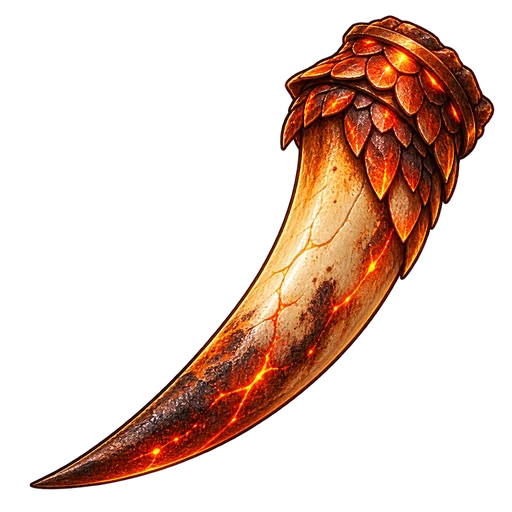 Smouldering Fang
43 g
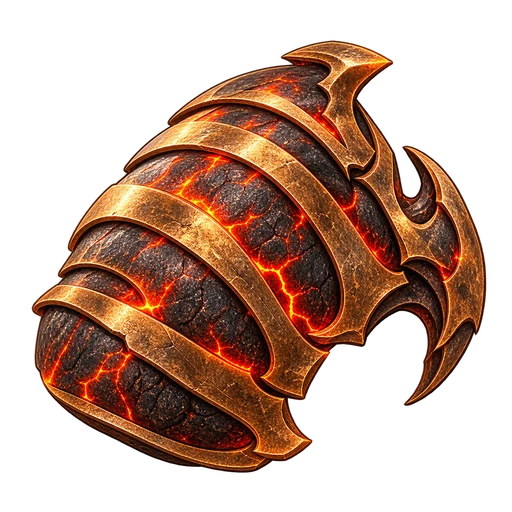 Kilnback Shell
19 g
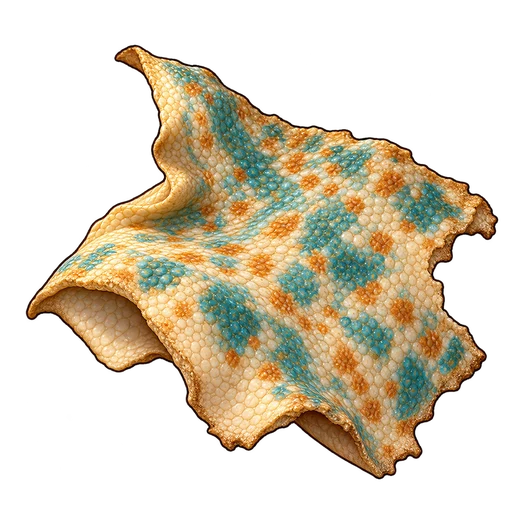 Scarab Ember Core
48 g
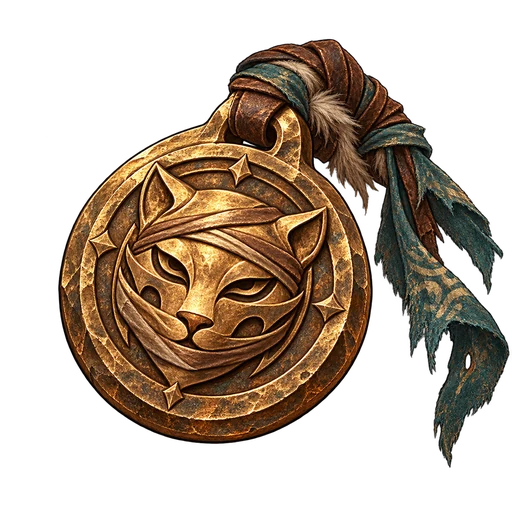 Bandit Toll Token
21 g
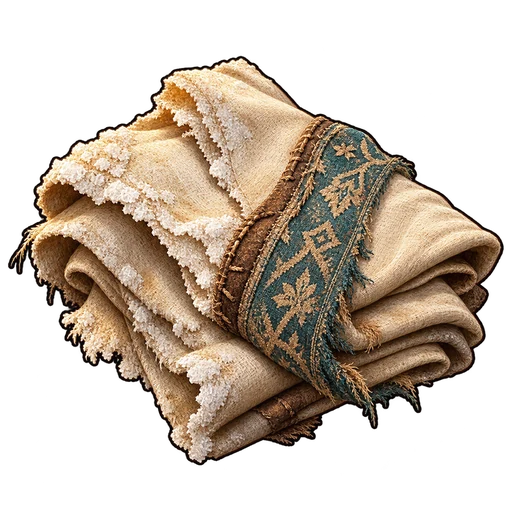 Salt-stiff Cloth
52 g
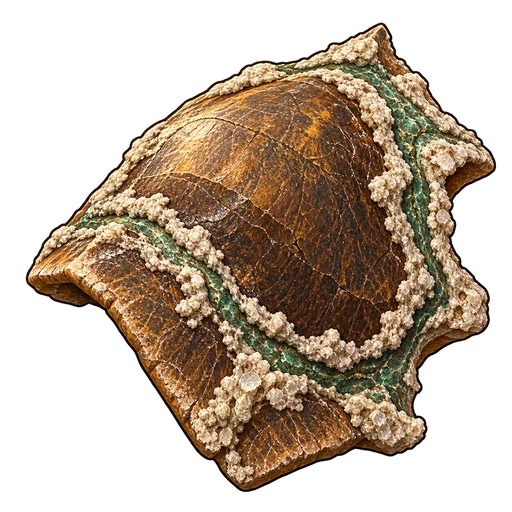 Brineshell Plate
23 g
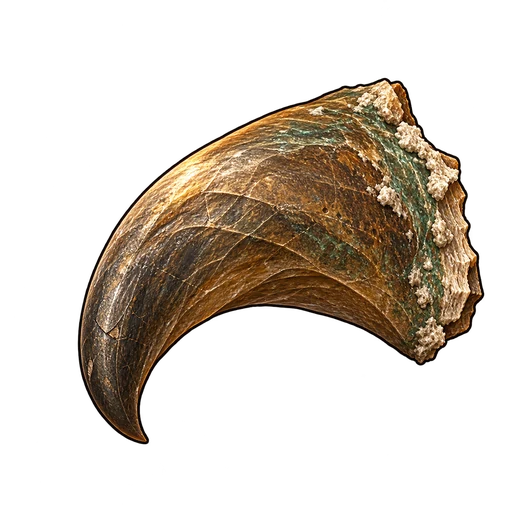 Tortoise Beak
57 g
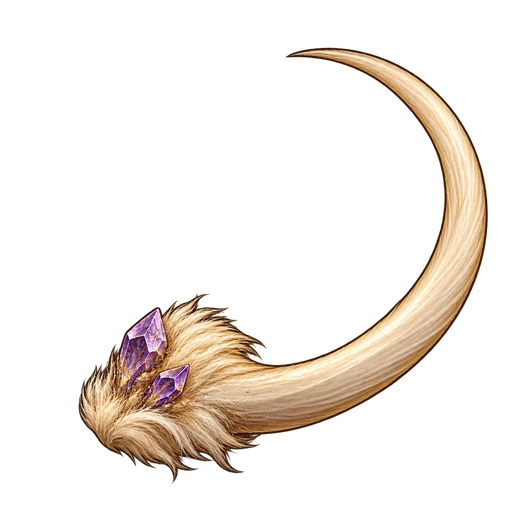 Bellwhisker
25 g
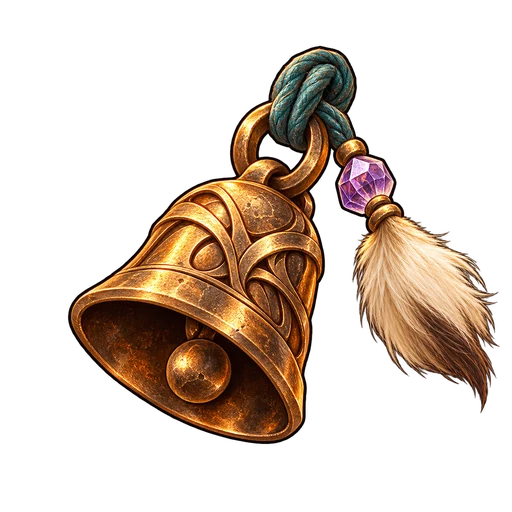 Tiny Bronze Bell
61 g
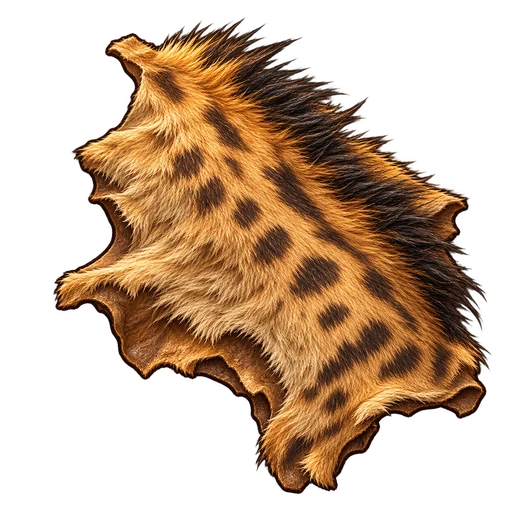 Duskfang Hide
26 g
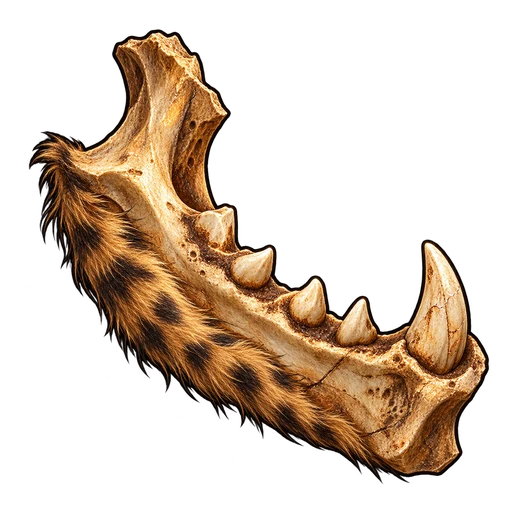 Hyena Jawbone
66 g
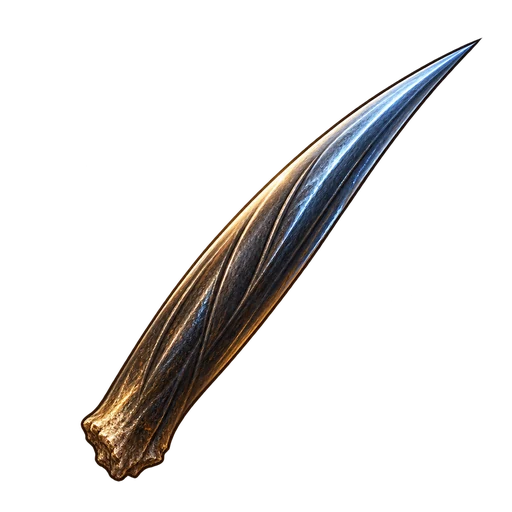 Stormquill
28 g
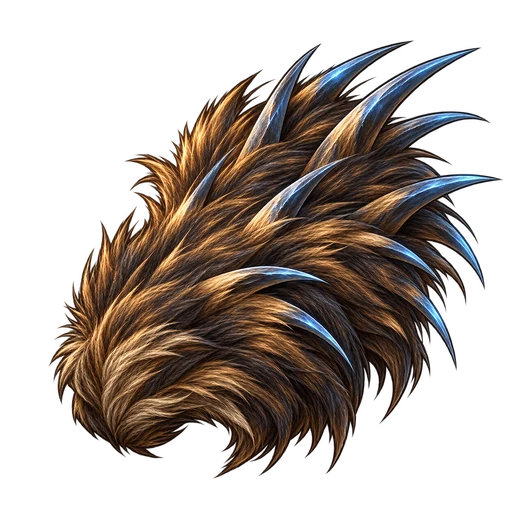 Static Mane
70 g
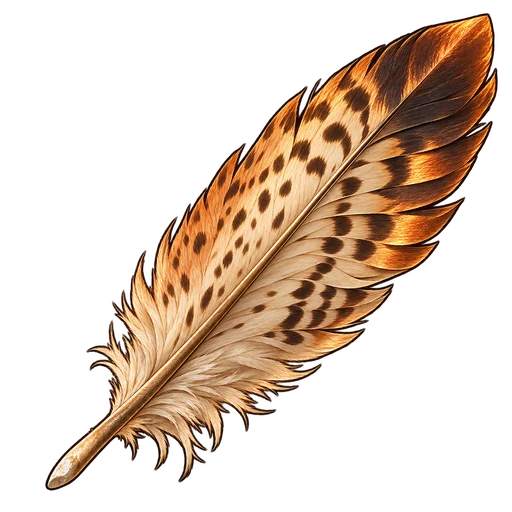 Stormwing Feather
30 g
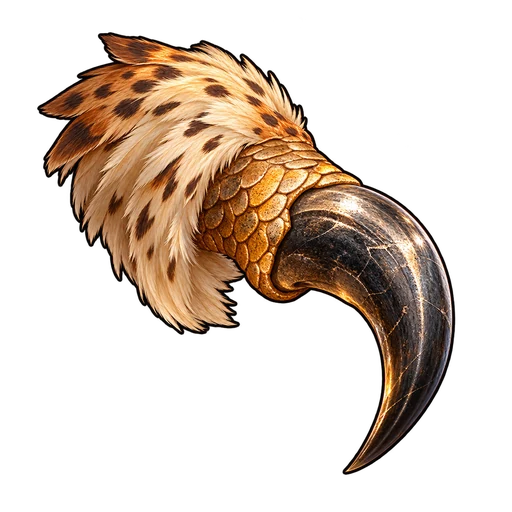 Kestrel Talon
75 g
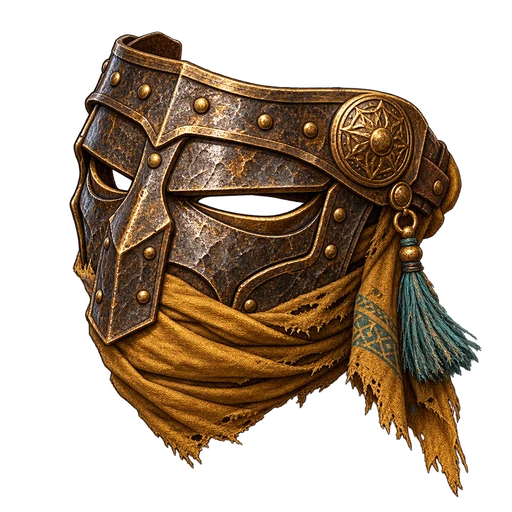 Raider Ash Mask
32 g
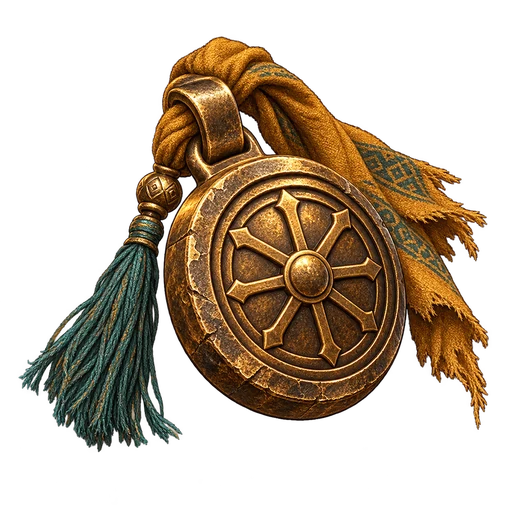 Stolen Caravan Seal
79 g
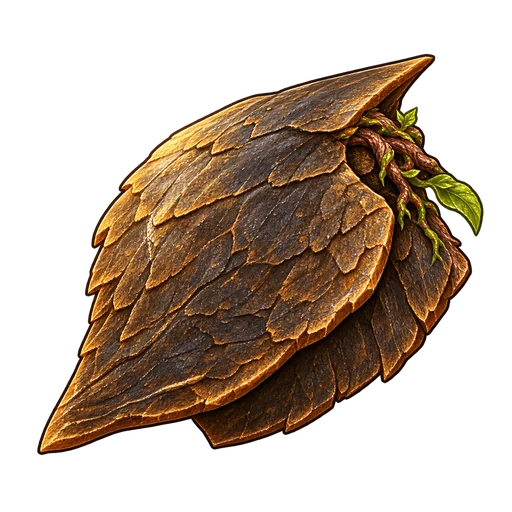 Ashroot Scale
34 g
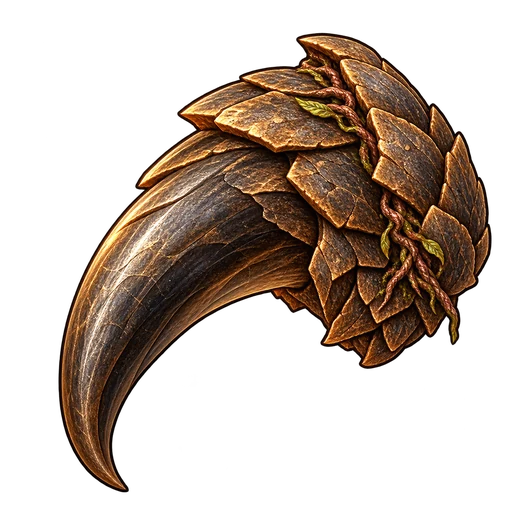 Pangolin Claw
84 g
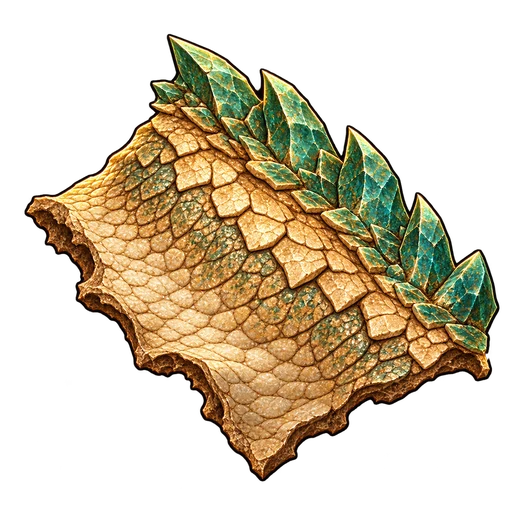 Jadecrest Hide
35 g
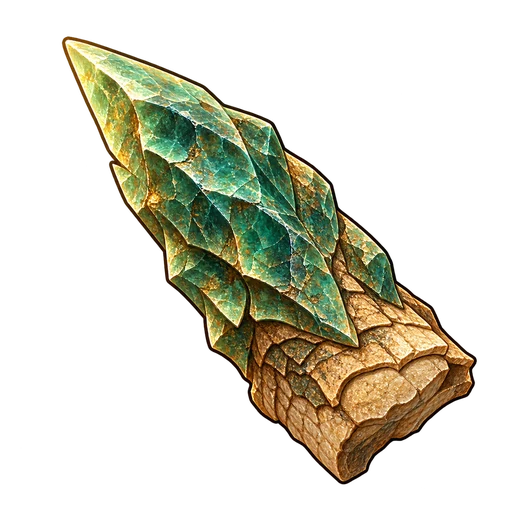 Monitor Crest Spine
88 g
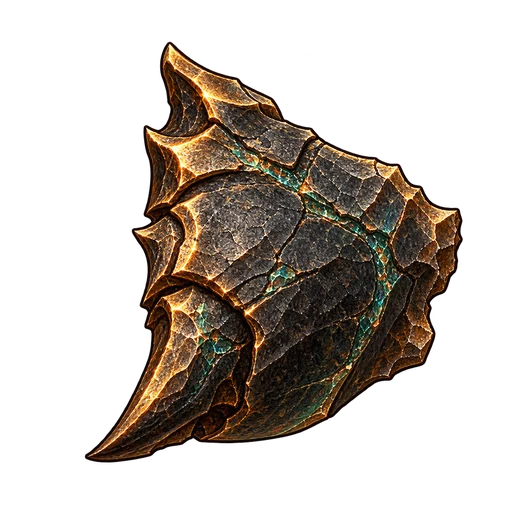 Basalt Chitin
37 g
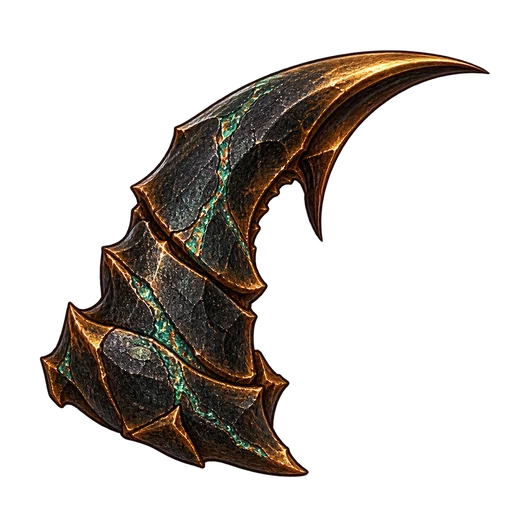 Basalt Stinger
93 g
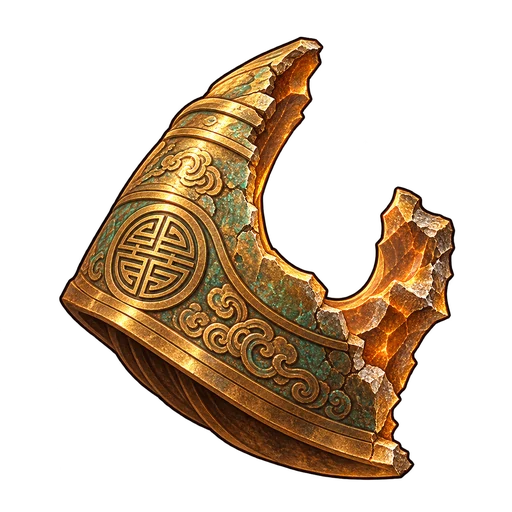 Regent Bell Fragment
2500 g
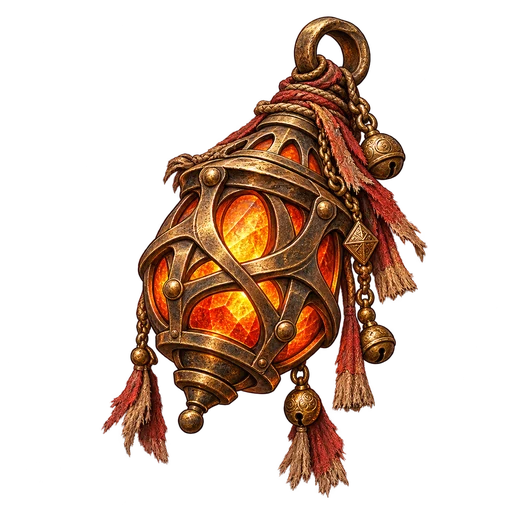 Ashen Caravan Lantern
2500 g
 1,500
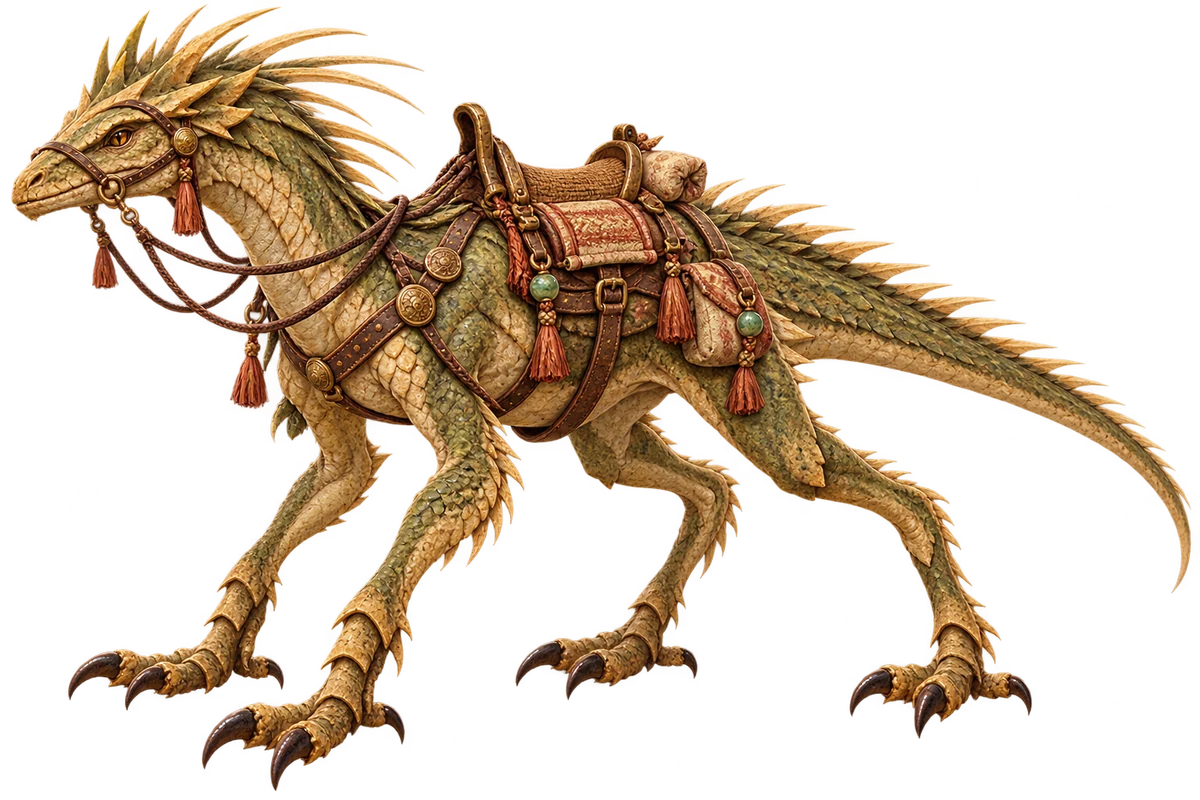
1,500Reedback Strider
long-legged dune lizard with reed-like dorsal quills and a woven saddle
Sure-footed: no slowdown in shallow water and reed beds.
Q1.11 reward; also sold
 15,000
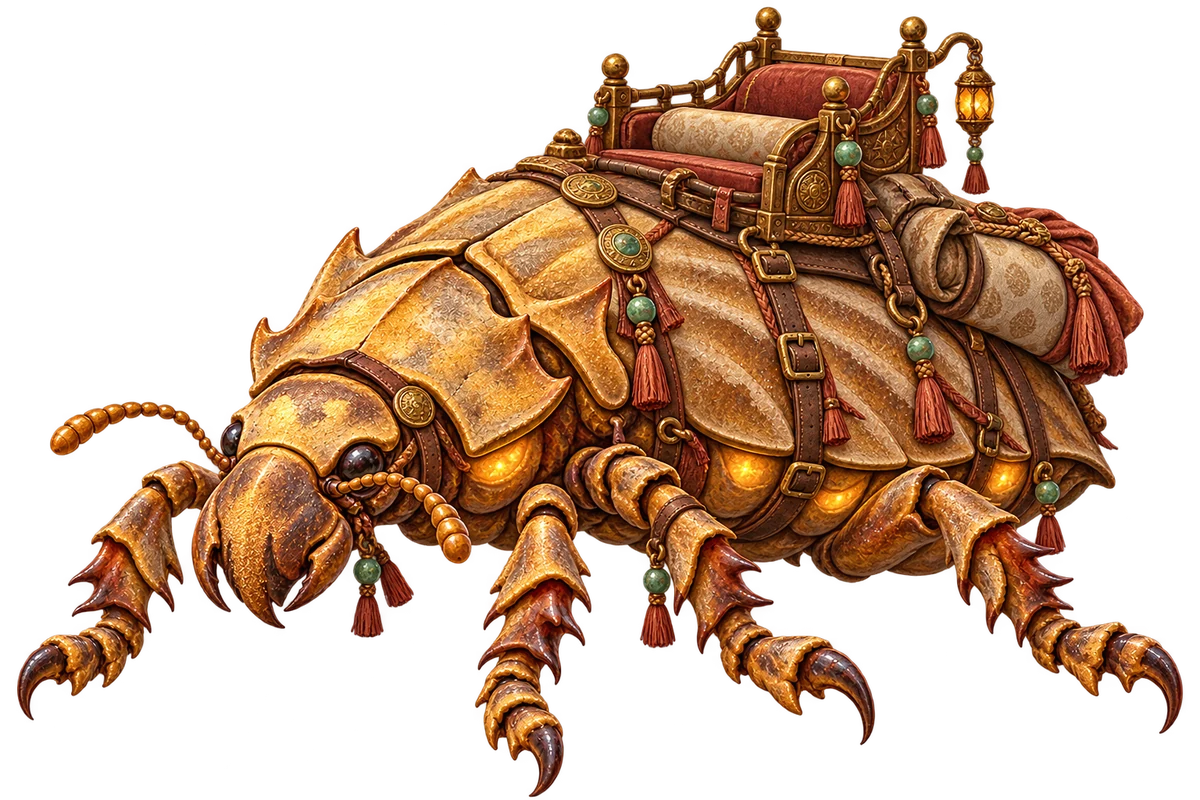
Duneplate Carrier
giant armoured dune beetle carrying a lacquered howdah, lamp-glands glowing under its plates
Saddle packs: +1 bag row (12 cells) while you own it.
Stablemaster
 90,000
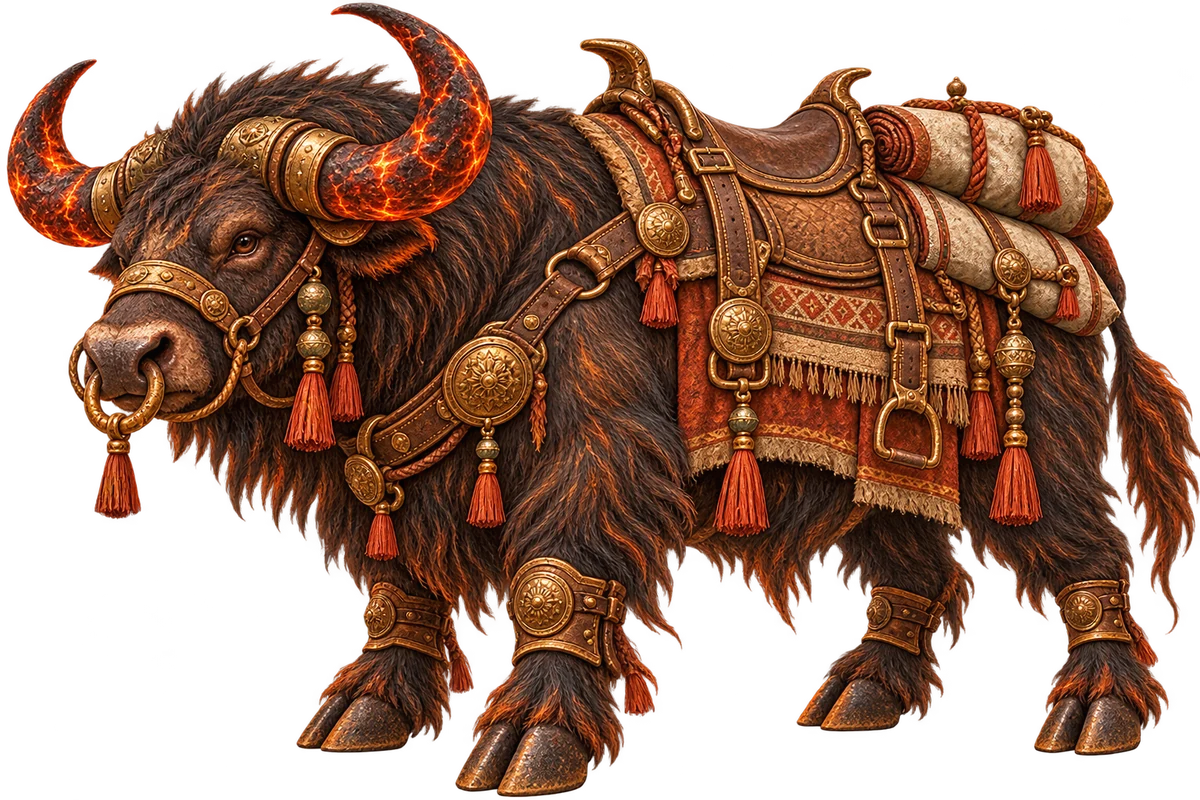
Emberhorn Aurochs
massive scorched desert ox with ember-veined horns and soot-black fur, bronze barding
Unshaken: the first hit within 6 s does not dismount you.
Stablemaster
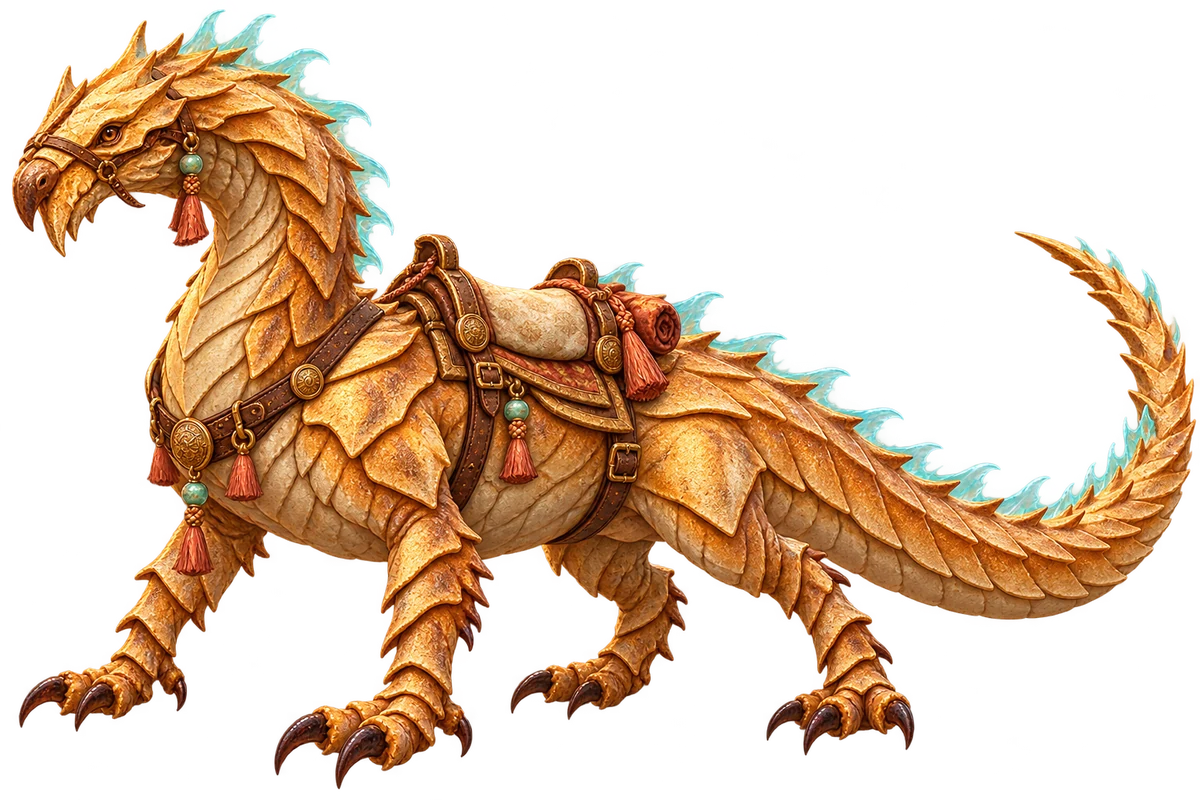 250,000
Mirage Drake
sand-wyrm drake with translucent heat-haze frills and pale gold scales, wingless, sinuous
Heat glide: drops from ledges without falling damage and crosses quicksand.
Stablemaster